Streamline Your MCNP Workflow

Modern, GUI driven MCNP® constructive solid geometry (CSG) model builder, 3-D/2-D viewer and CSG-to-CAD converter

MCNP Visualization
MCNP Geometry Editor
CAD Conversion
CAD Conversion

Lorem, ipsum dolor sit amet consectetur adipisicing elit. Possimus amet architecto debitis eveniet incidunt iste ab vero tenetur labore ducimus culpa nihil nostrum hic reiciendis, a pariatur reprehenderit nemo aliquid!

Efficient Model Creation and Editing

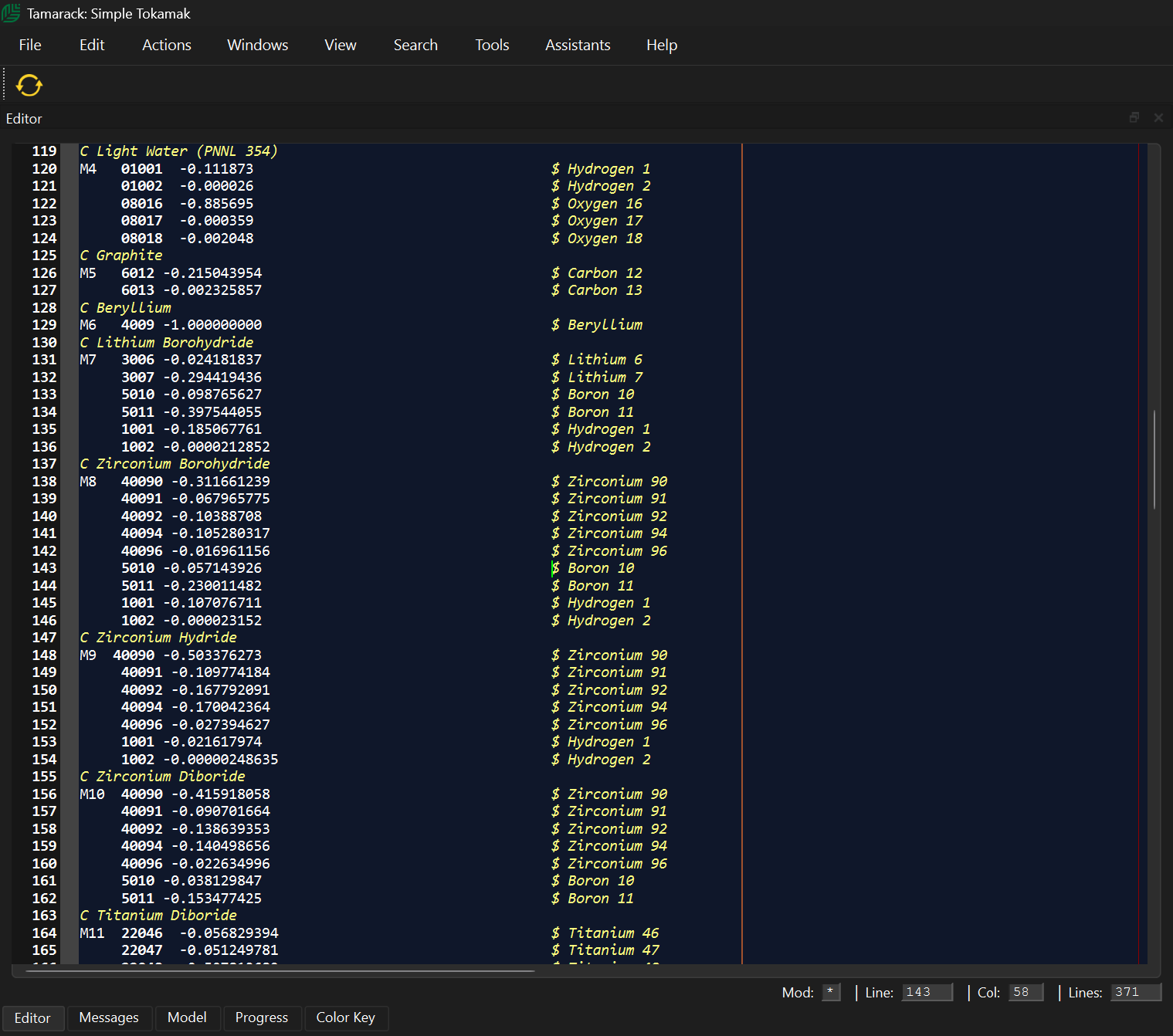
Attila4MC-Tamarack features a powerful, state-of-the-art text editor with an integrated template designed to simplify MCNP model development. The editor includes advanced syntax highlighting, error detection, and robust parsing to help users quickly identify and resolve issues.


Users can interact directly with the 3-D views from within the editor, while the built-in automatic input card completion accelerates model creation. More than 140 fully commented MCNP input cards are included, making it easier to build accurate and well-documented models.

Built-in Assistant Libraries

To further streamline model development, Tamarack includes intelligent Assistants with integrated libraries containing:
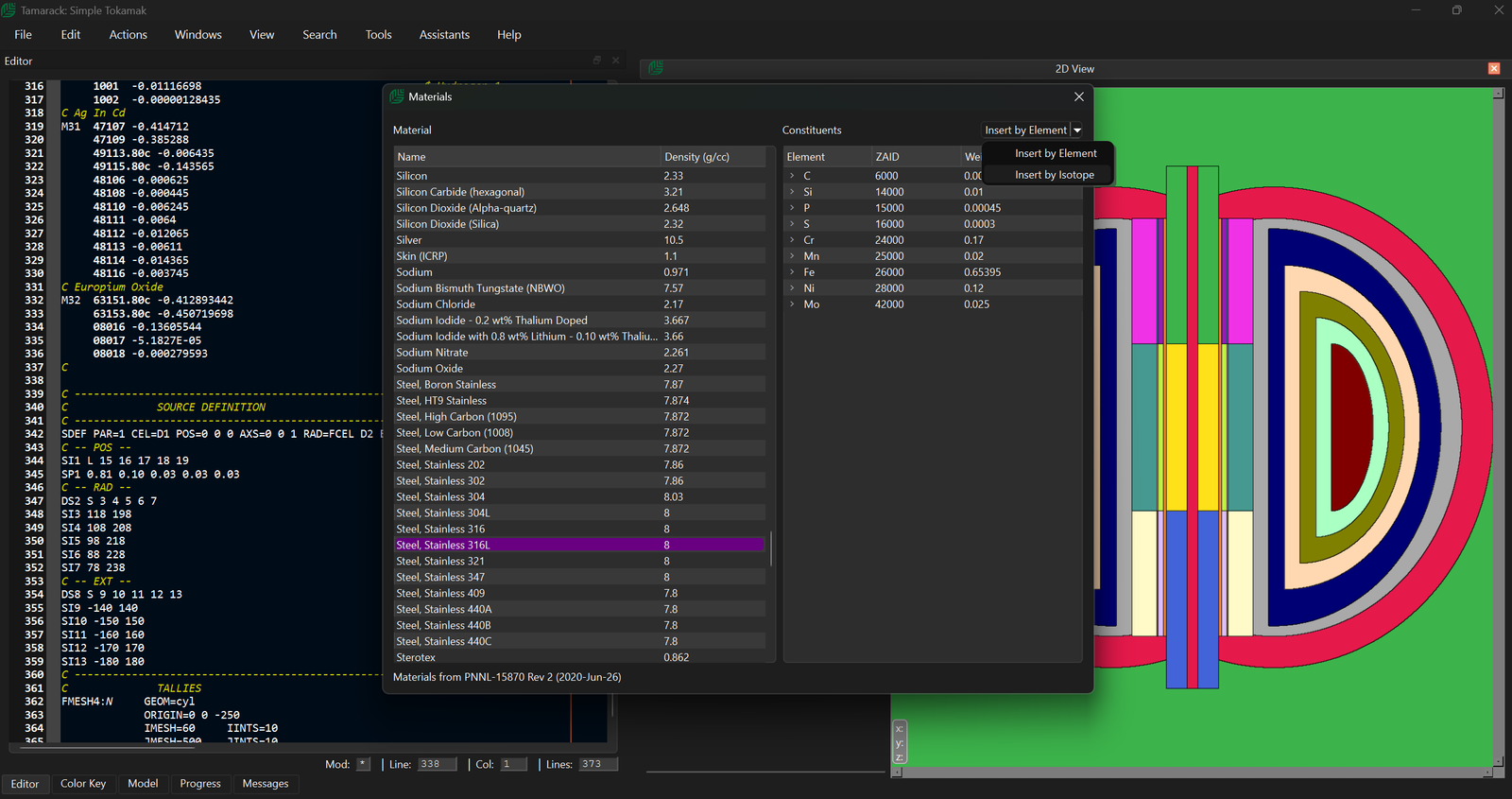
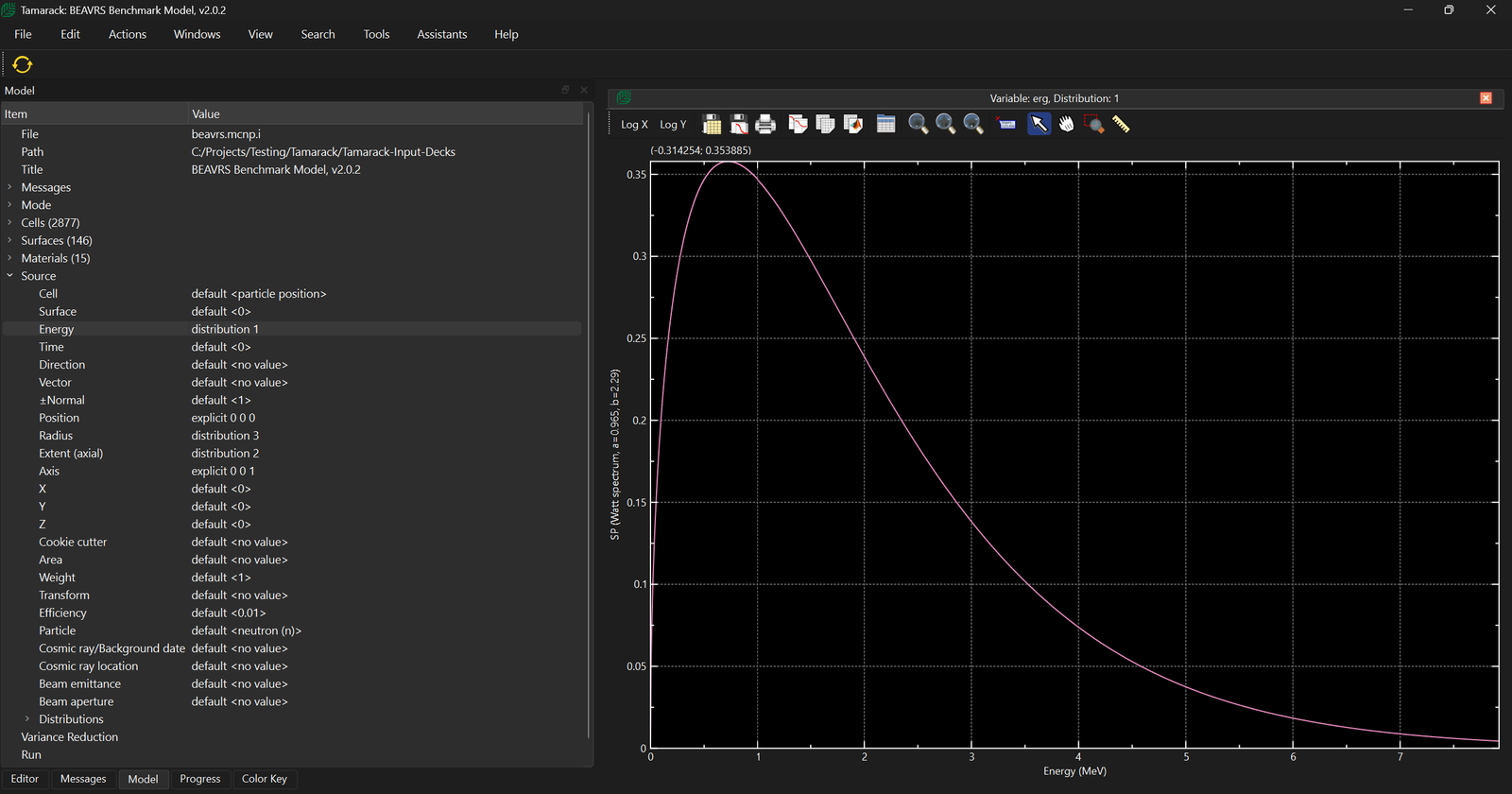
  • More than 400 predefined materials
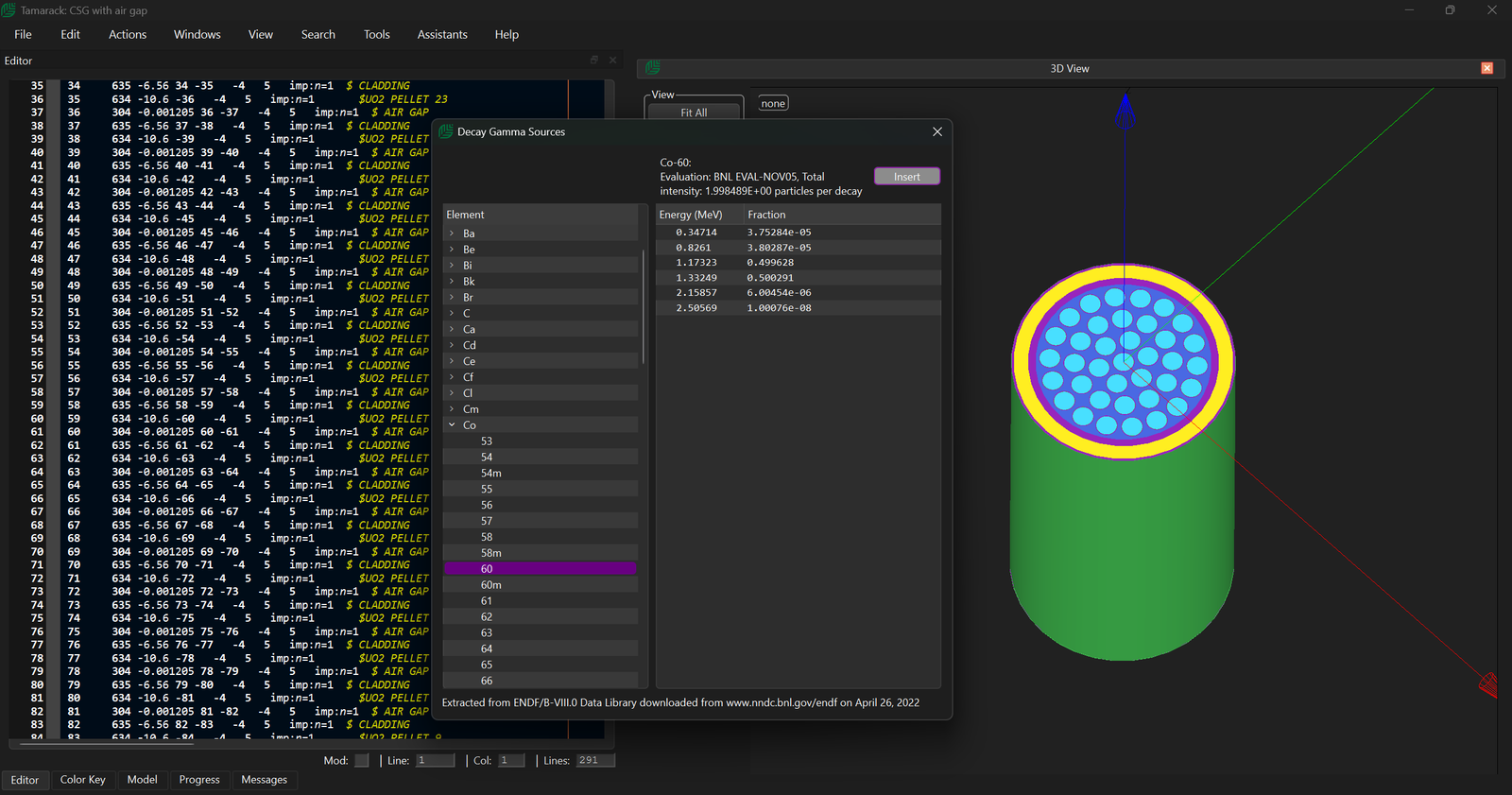
  • Gamma source spectra
  • Flux-to-dose response functions
  • Energy bin definitions
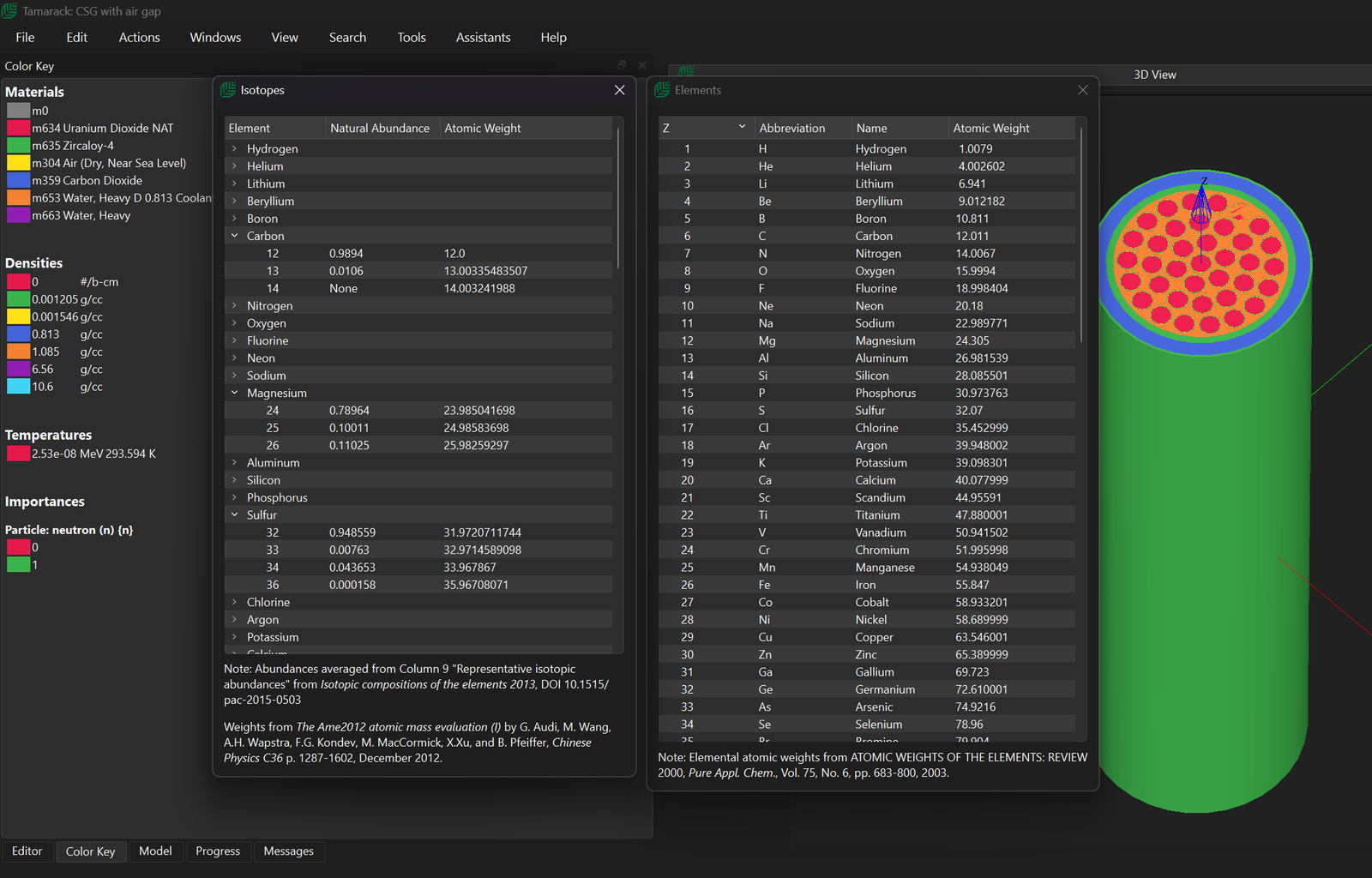
  • Element and isotope databases for quick reference

Assistants

The Assistants contain a number of pre-built cards for MCNP and entries from these assistants can be inserted into the input at the cursor location. This dramatically reduces geometry-related errors and eliminates blind trial-and-error runs.

Element and Isotope Databases

Materials can be inserted either in elemental or isotopic ZAID format. This allows engineers to leverage existing mechanical designs without rebuilding models by hand.

Gamma Source Library

Convert MCNP input decks into standard 3D formats for inspection, documentation, or collaboration. Tamarack makes complex MCNP models understandable beyond raw text files.

Flux-to-Dose Conversion Factors

Visualize cells and surfaces while building your model, so geometry issues are found before expensive simulation runs.

Input Card Autocomplete

The autocomplete covers over 141 commonly used input cards including, surfaces, macrobodies, SDEF, tallies and physics. Allowing users to rapidly construct MCNP inputs files in conjunction with the “Assistants”.

Error Checking

Tamarack parses all inputs before loading and provides the user with visual feedback on errors via syntax highlighting.

Editing, Reloading and Searching the Input Deck

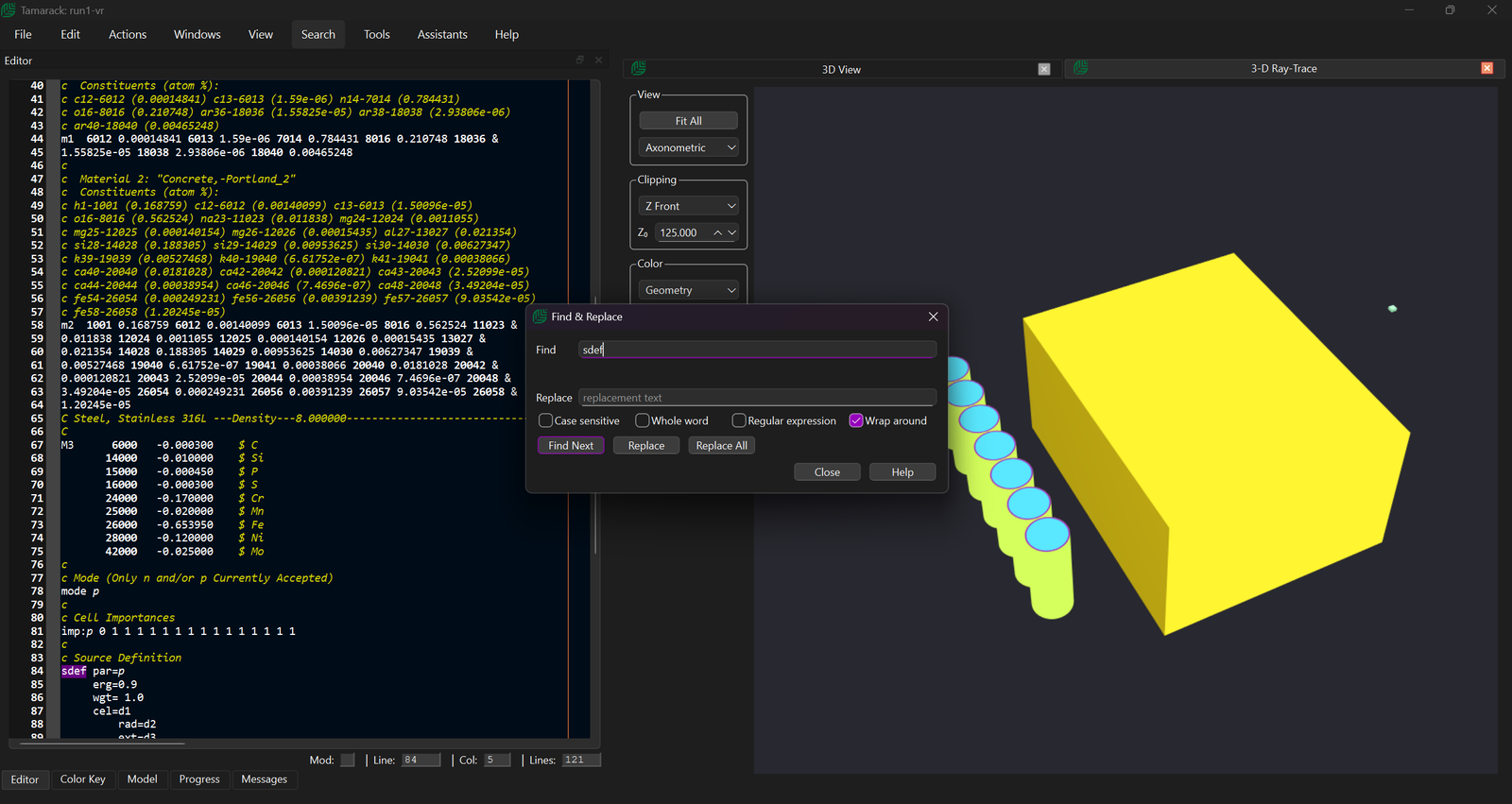
The GUI also contains a search bar for find specific cards in larger input files. As well as Find/Replace capabilities common in most modern editors. The editor also has multi-line edit options, bookmarks.

MCNP Input Template

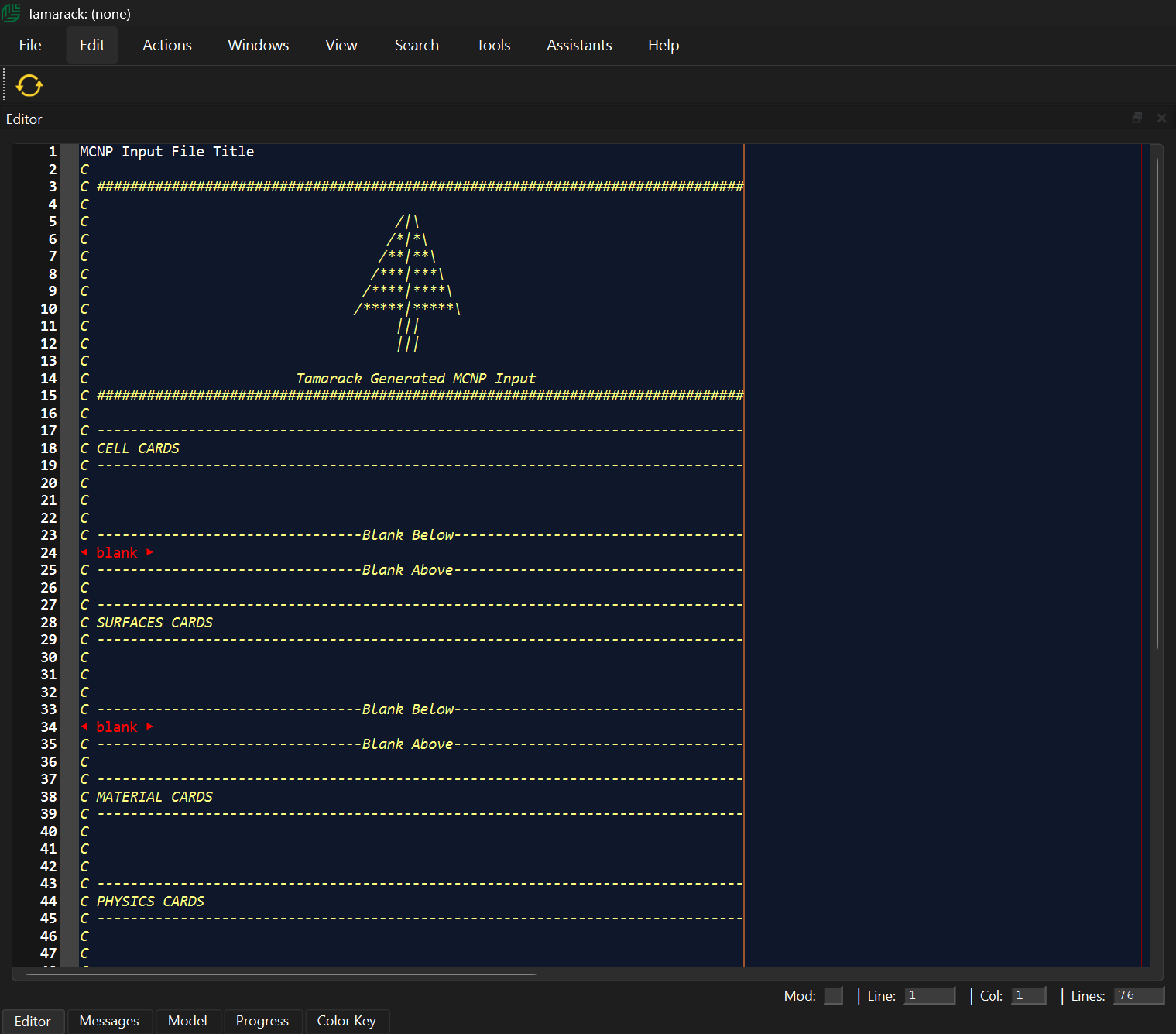
Tamarack contains a built-in MCNP input template

2-D Geometry Visualisation and Plotting

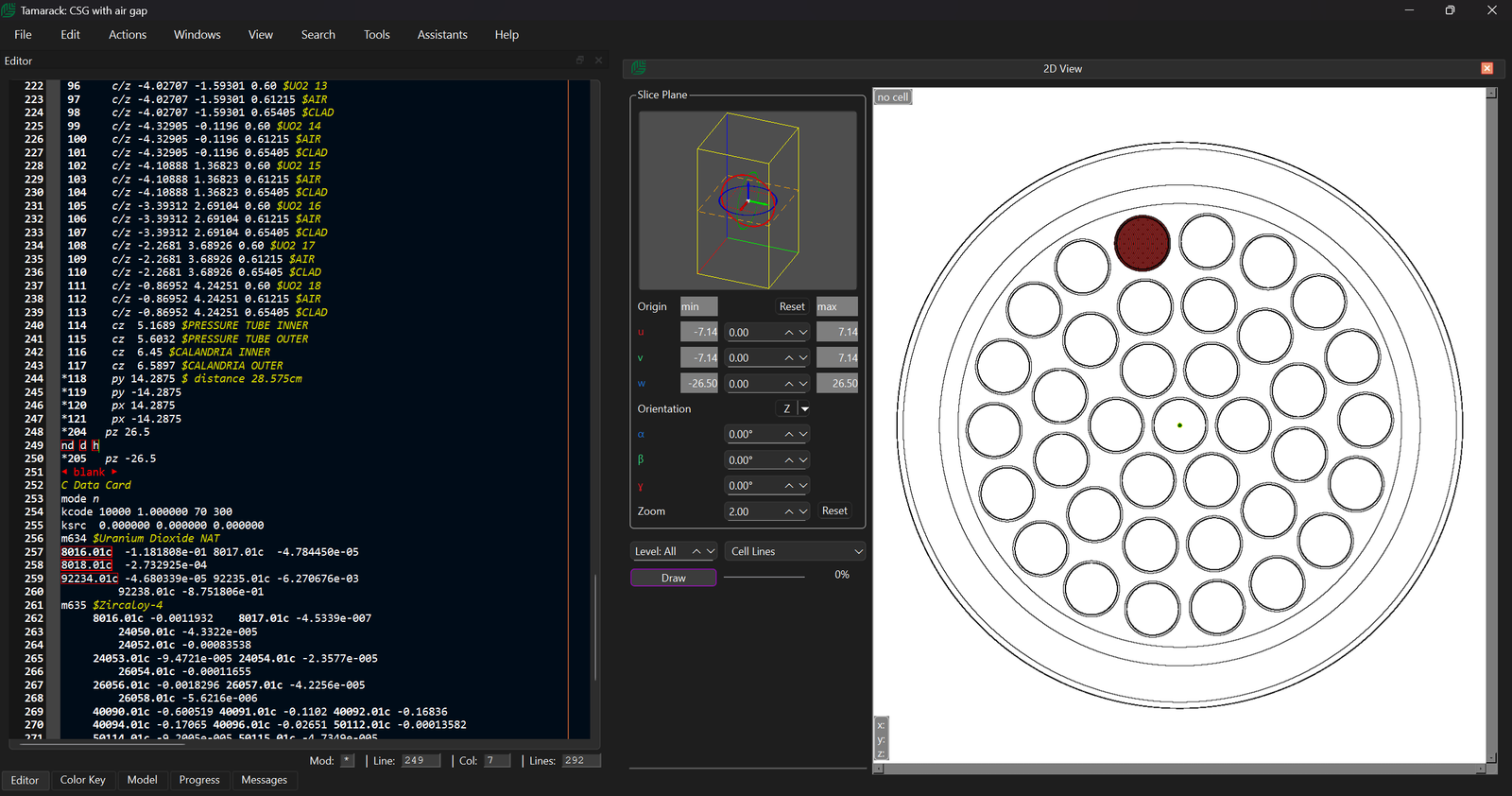
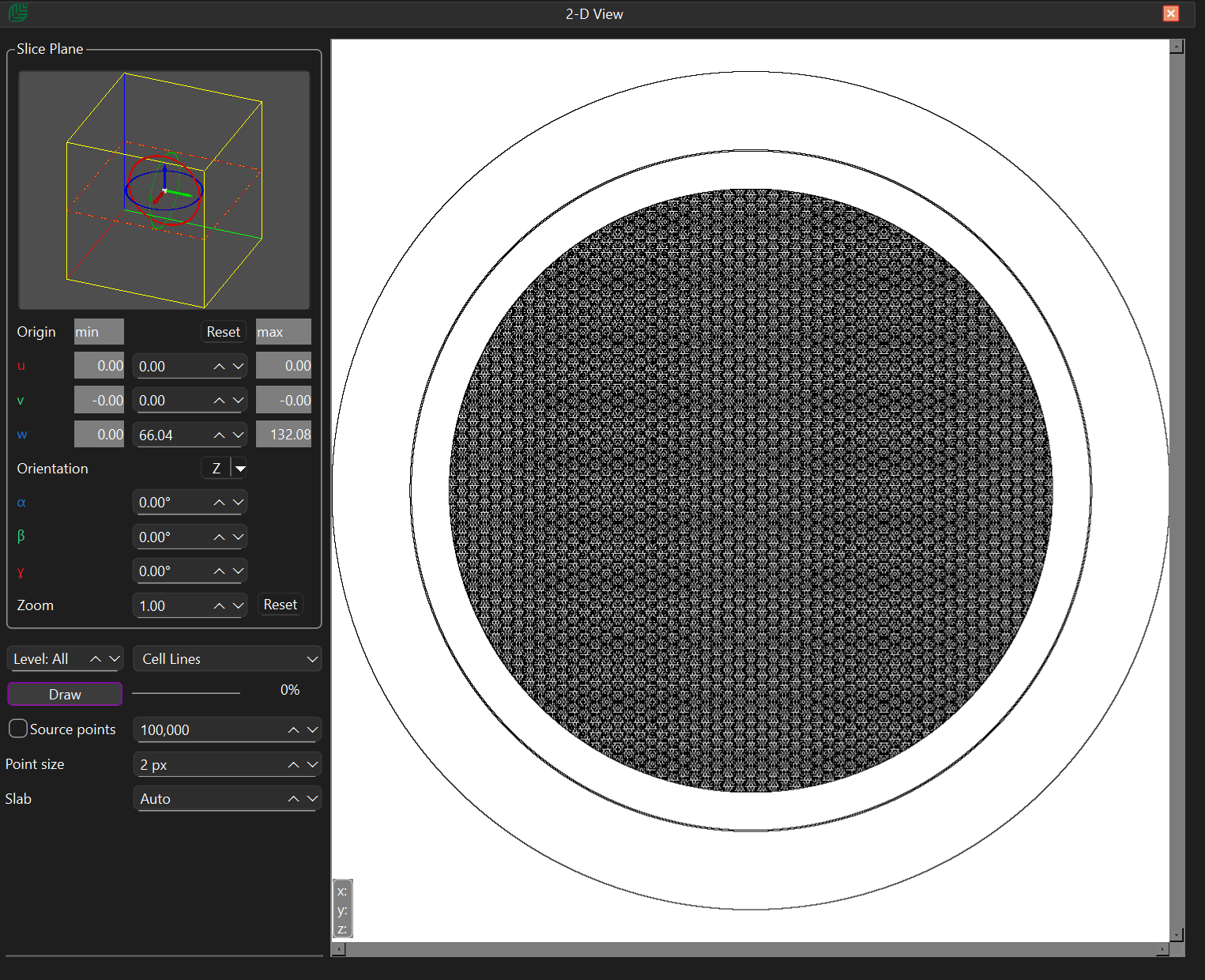
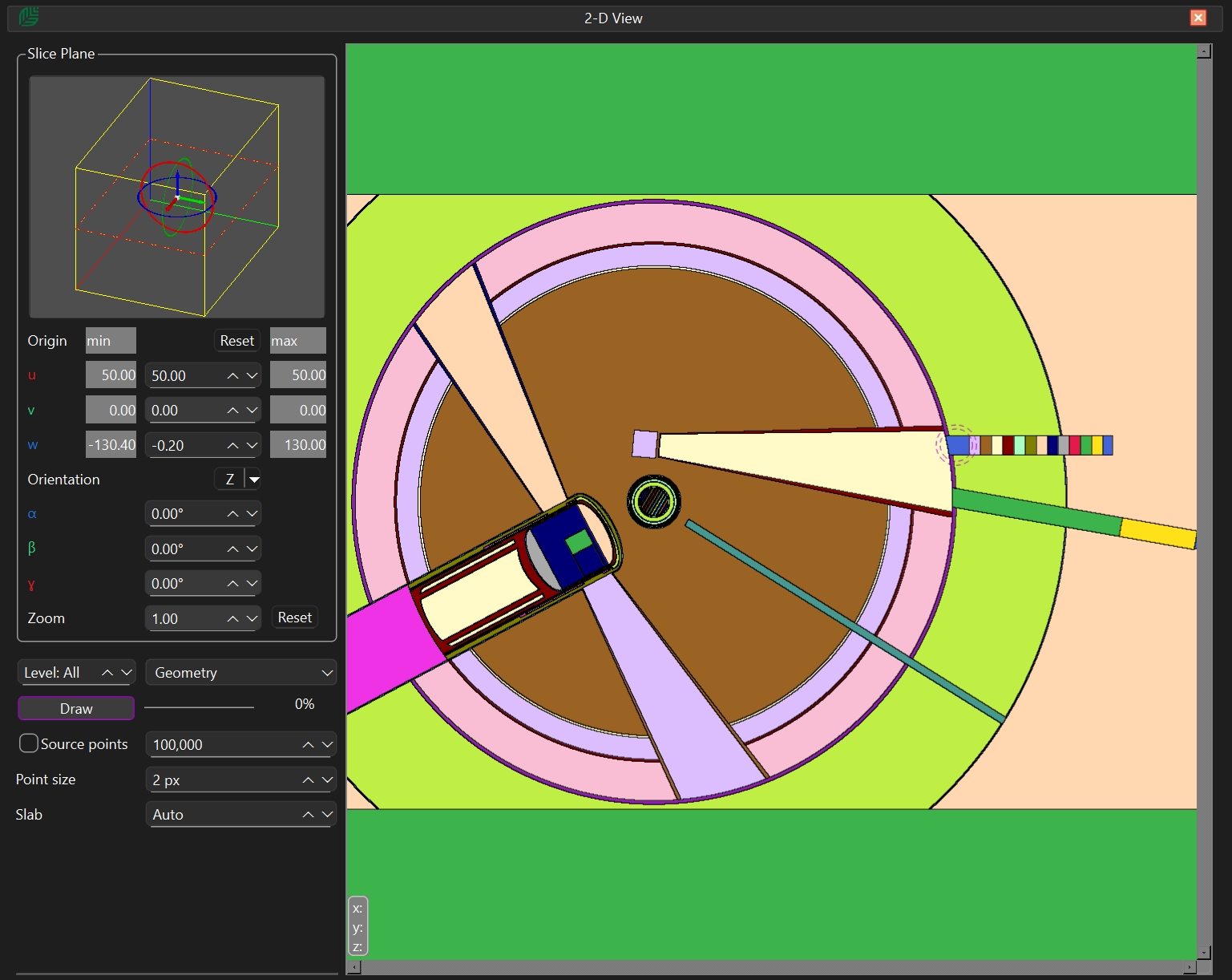
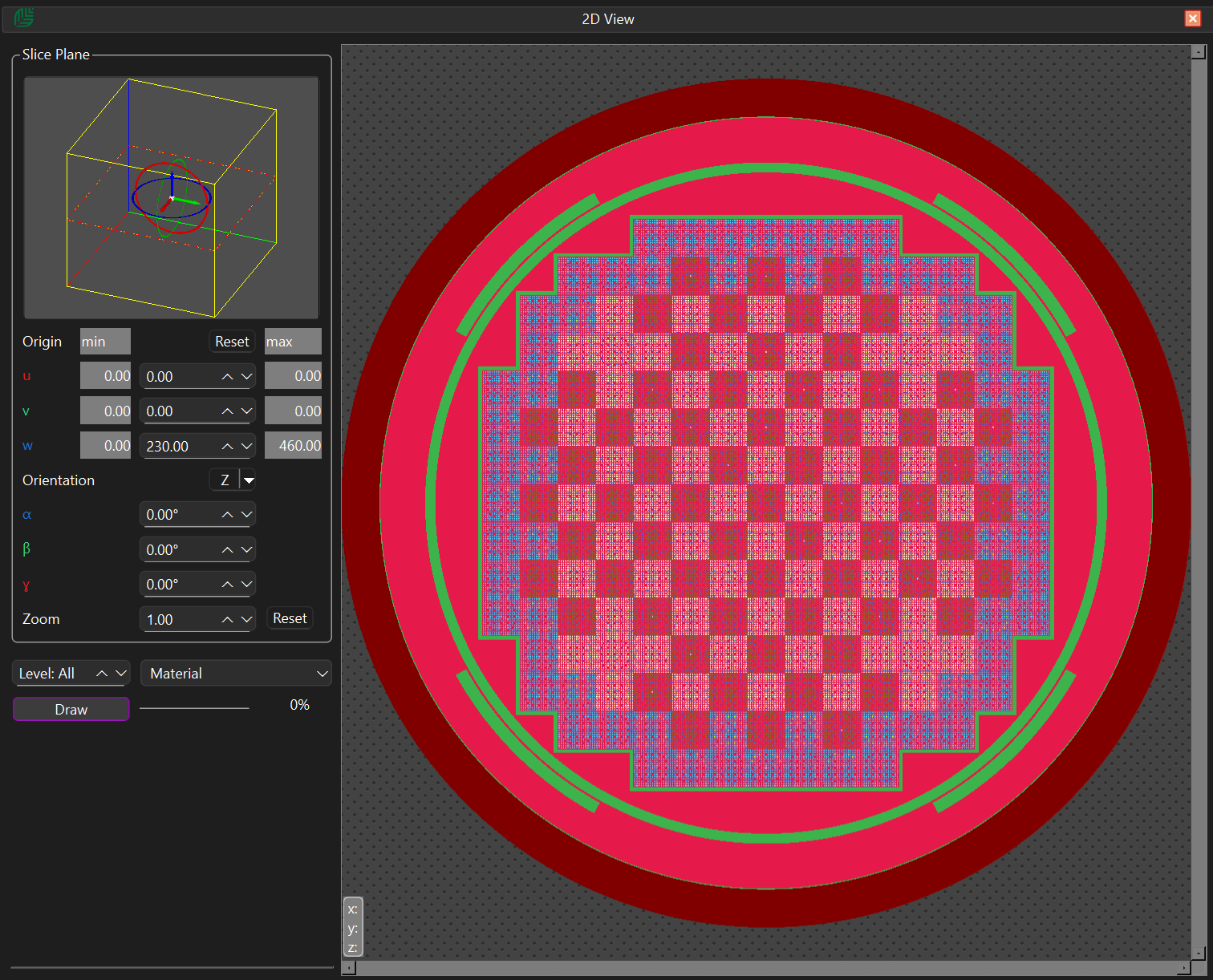
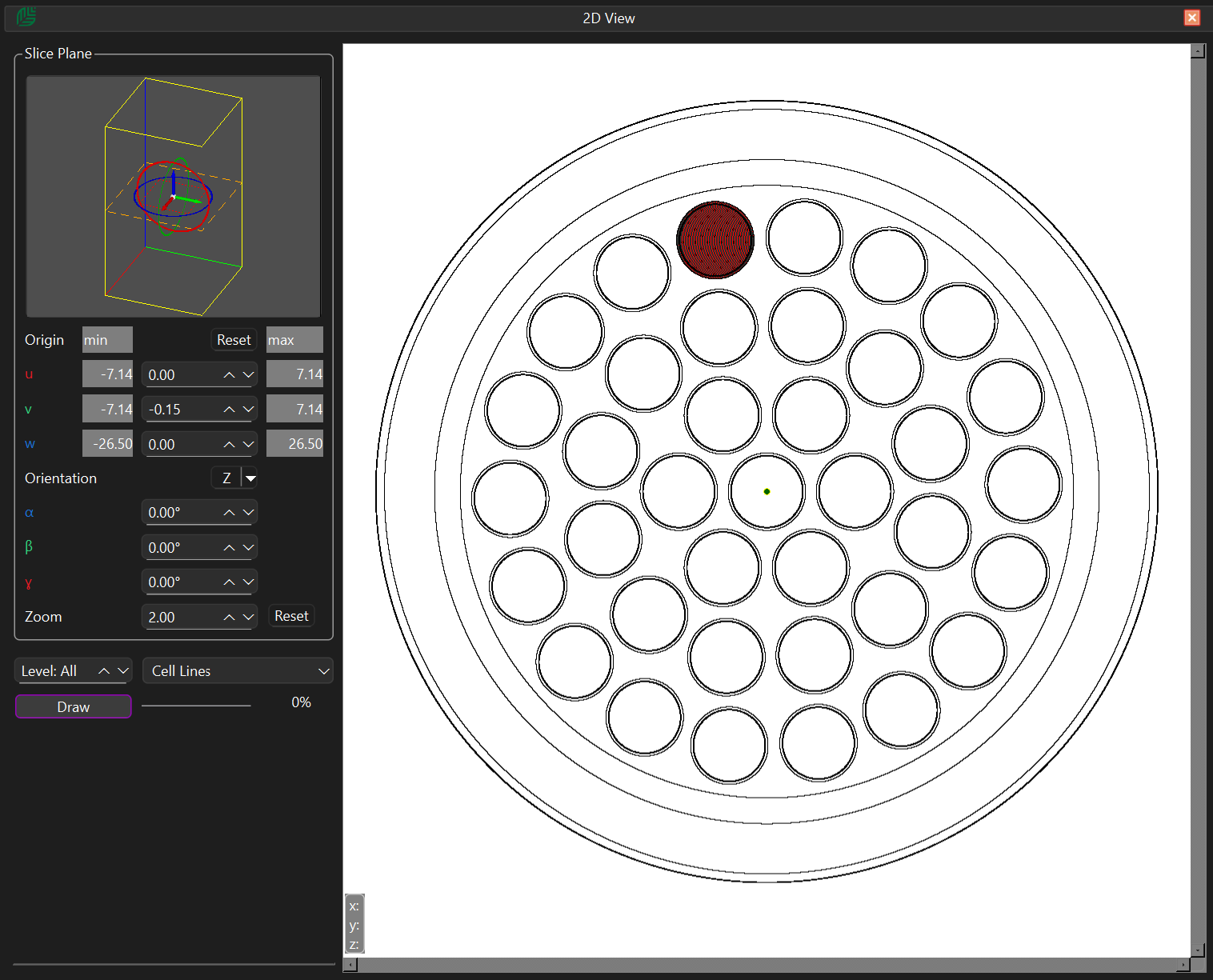
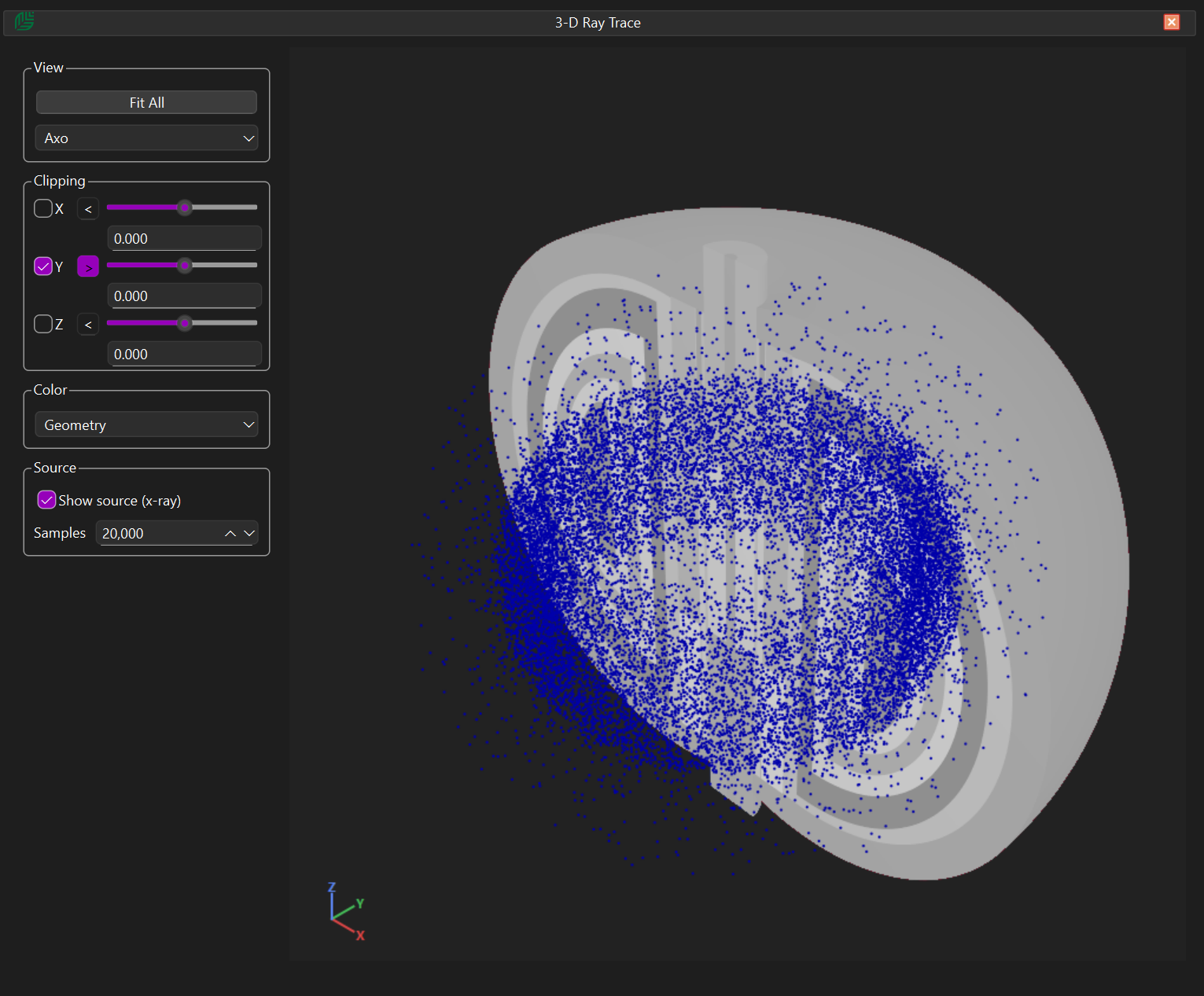
Tamarack also includes a traditional 2-D section viewer with automatic interference detection to identify over-defined and under-defined cells. Users can generate slices along the X, Y, and Z axes, as well as create arbitrary angled sections to inspect complex geometries from any orientation.
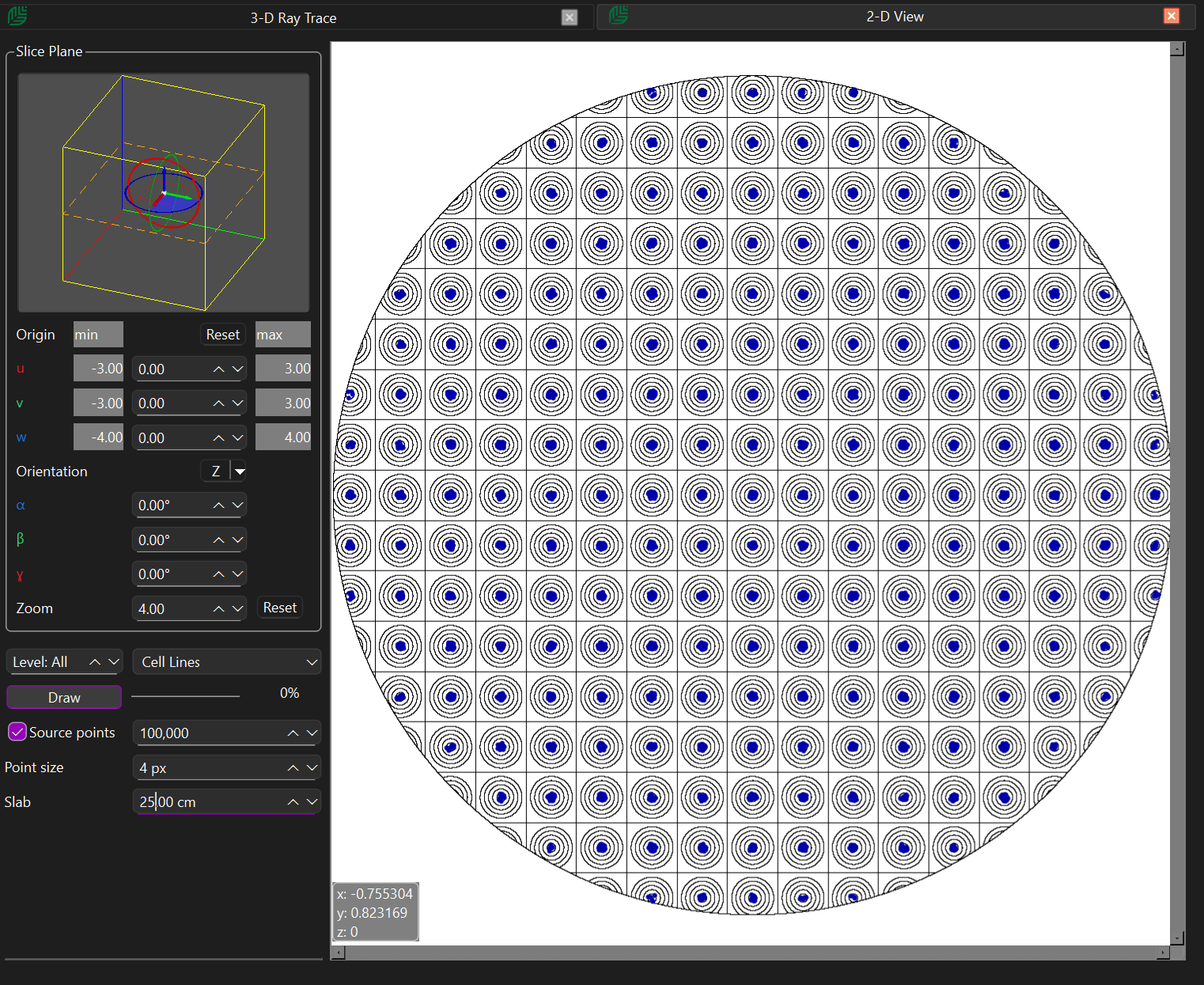
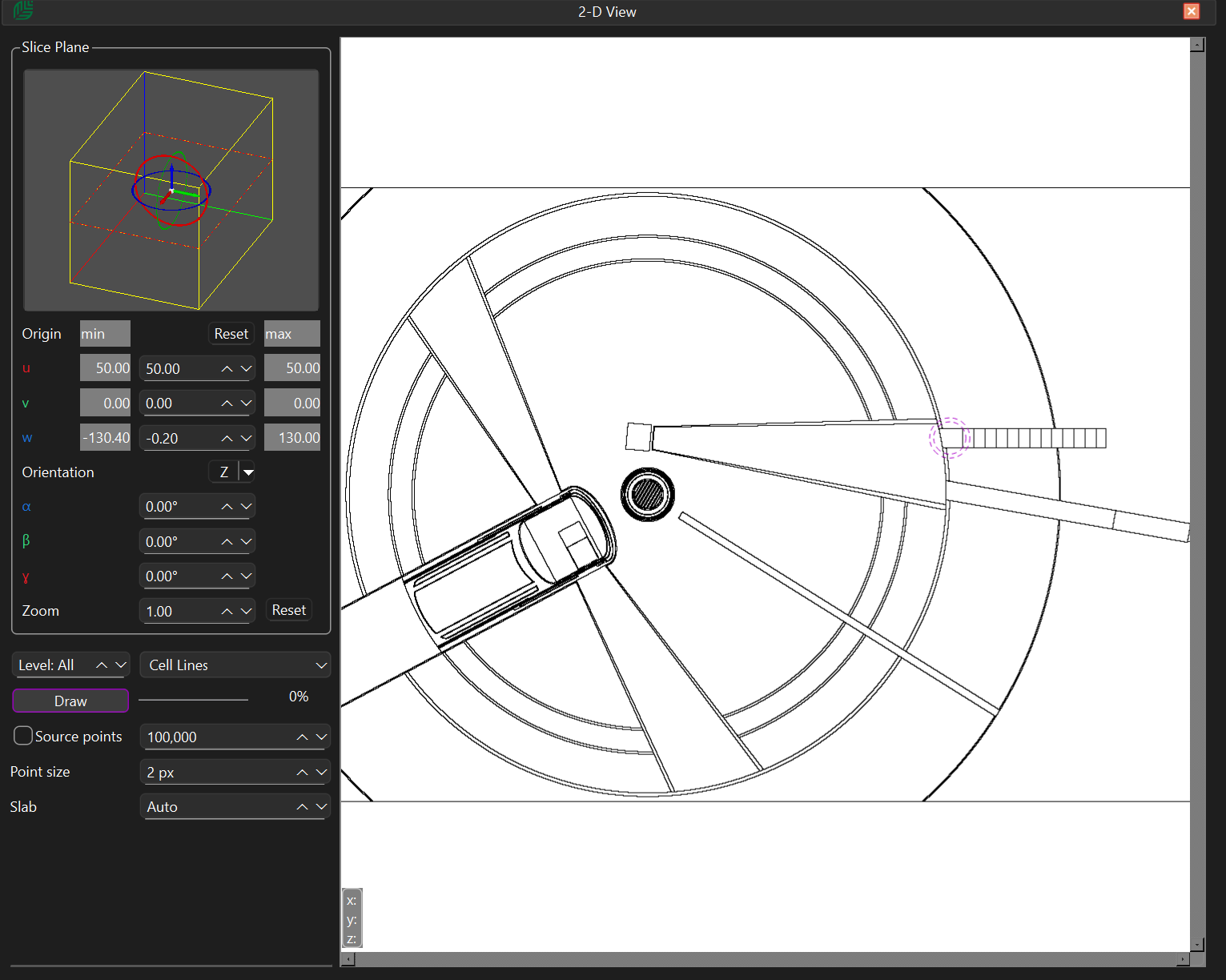
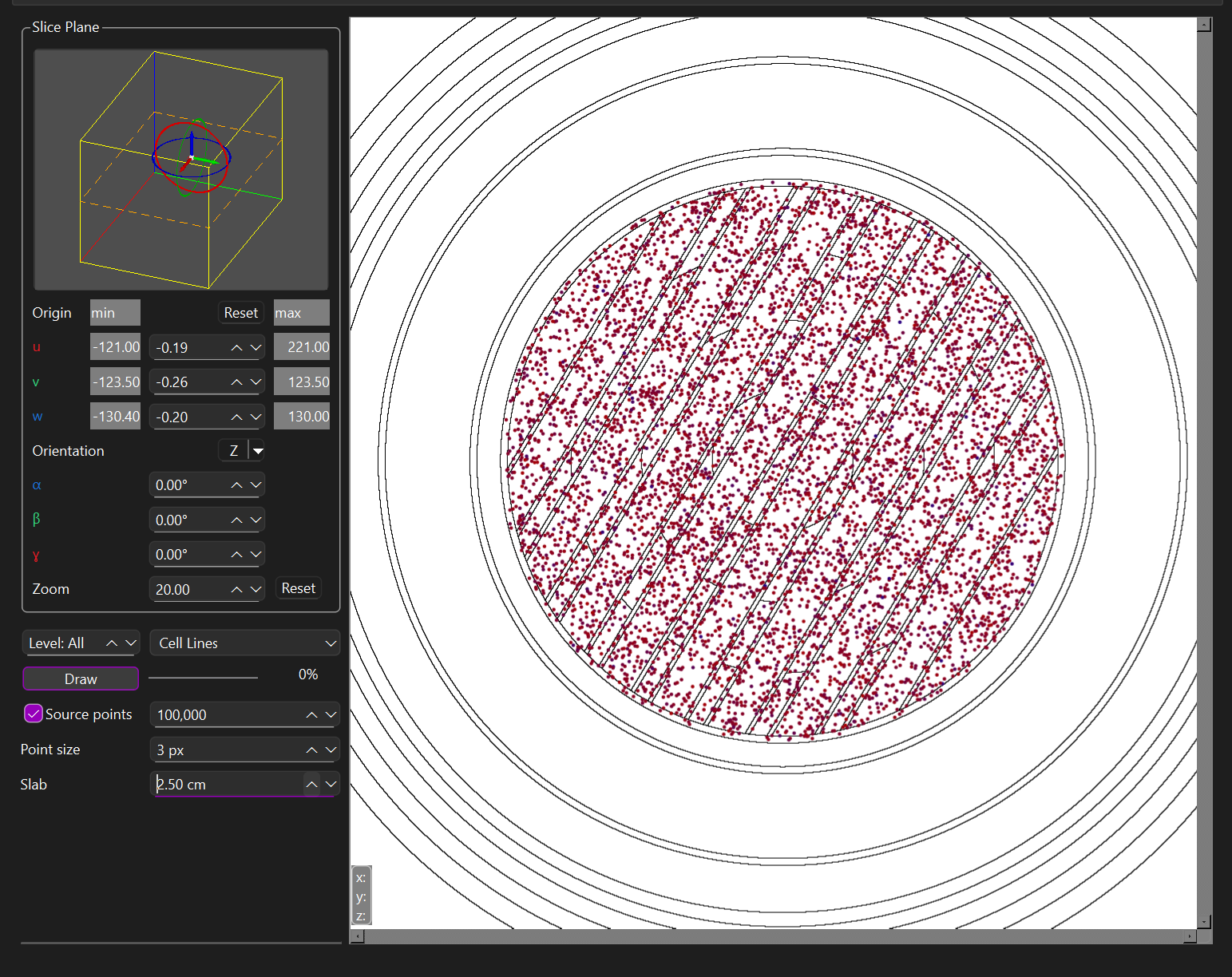
The 2-D viewer includes built-in plotting tools for:

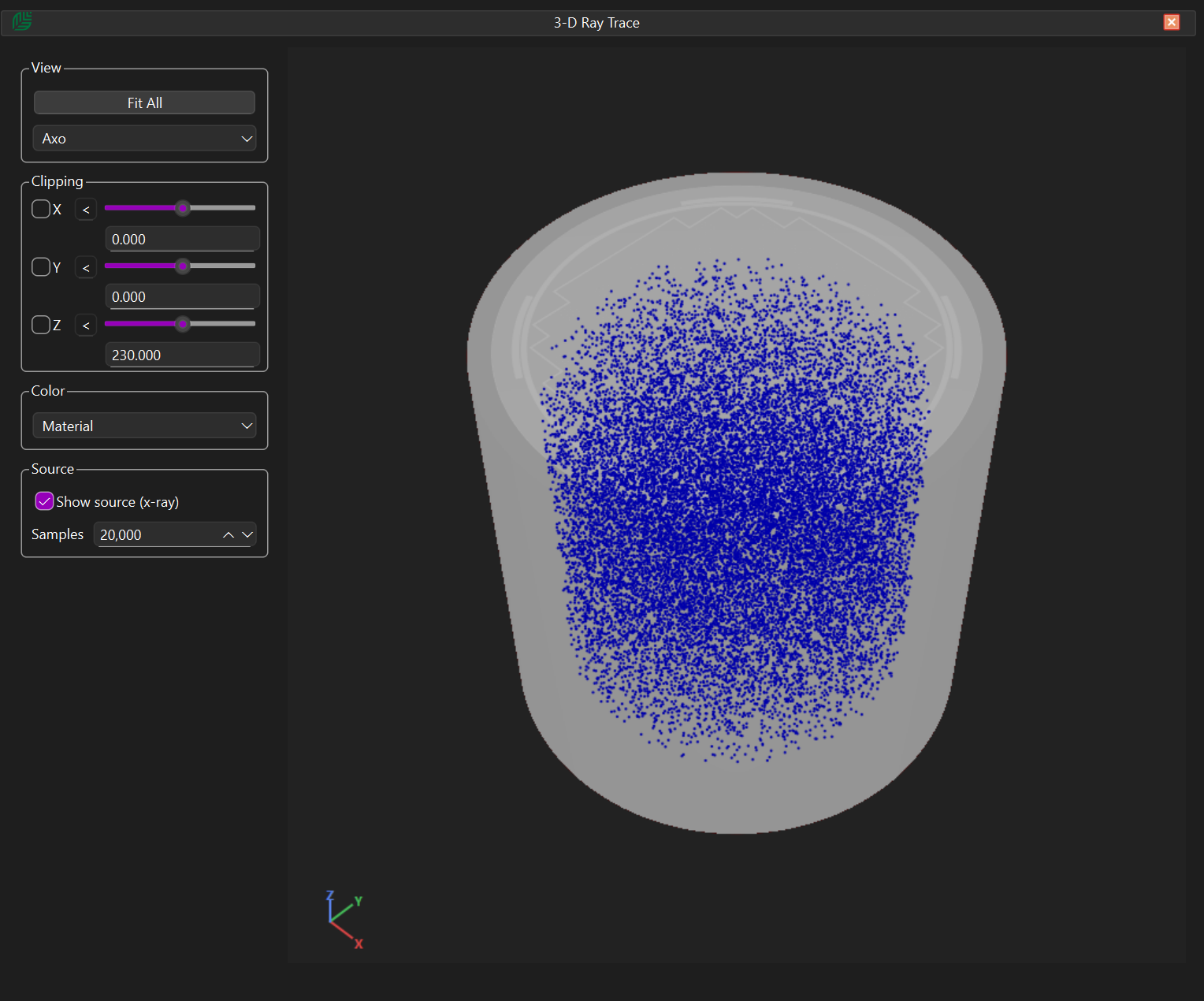
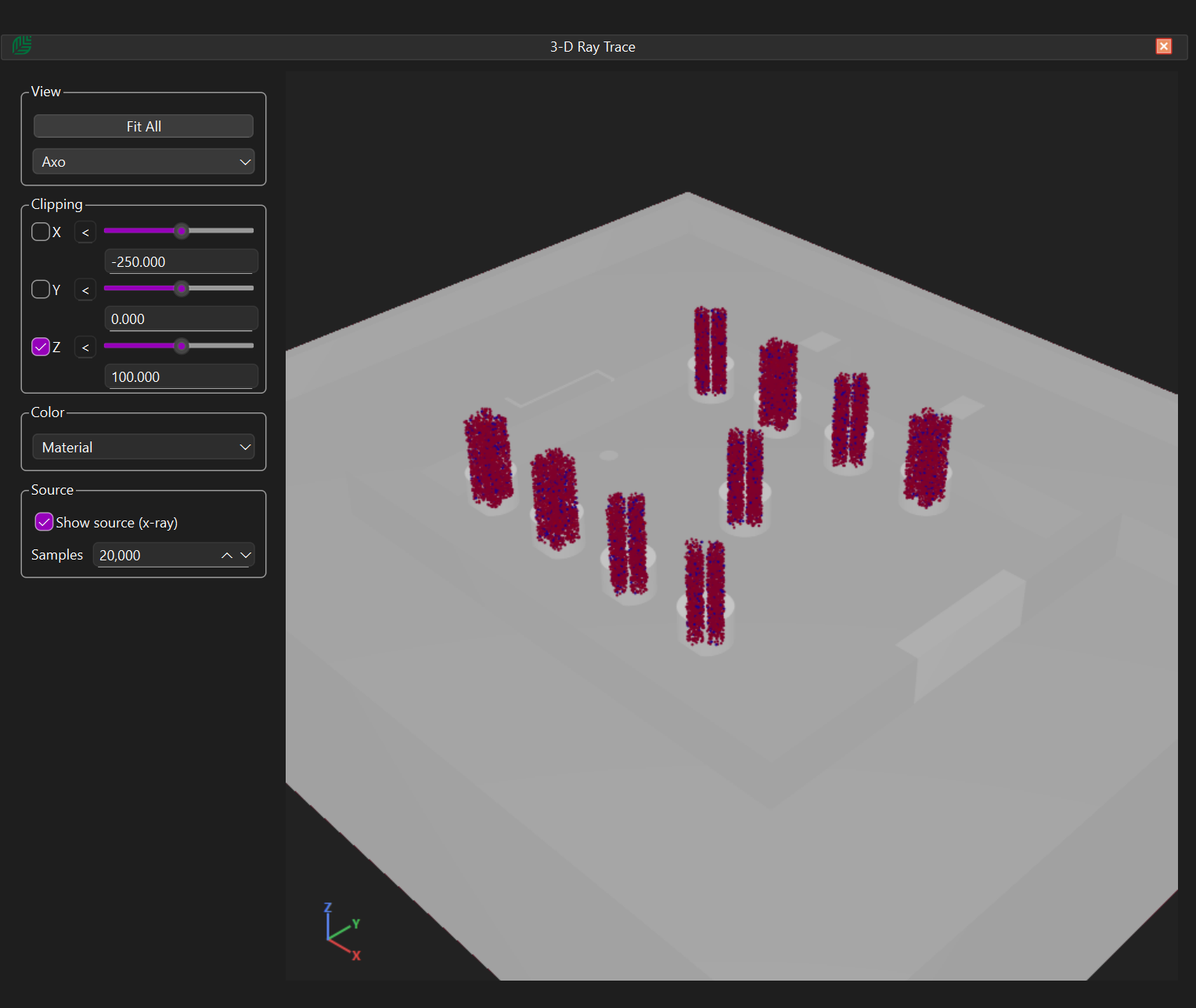
  • Source sampling visualisation, including source locations, sampling probabilities, and energy-based colouring
  • DXTRAN spheres (including exclusion radius)
  • F5 tallies (including exclusion radius)

3-D Visualisation and CSG-to-CAD Conversion

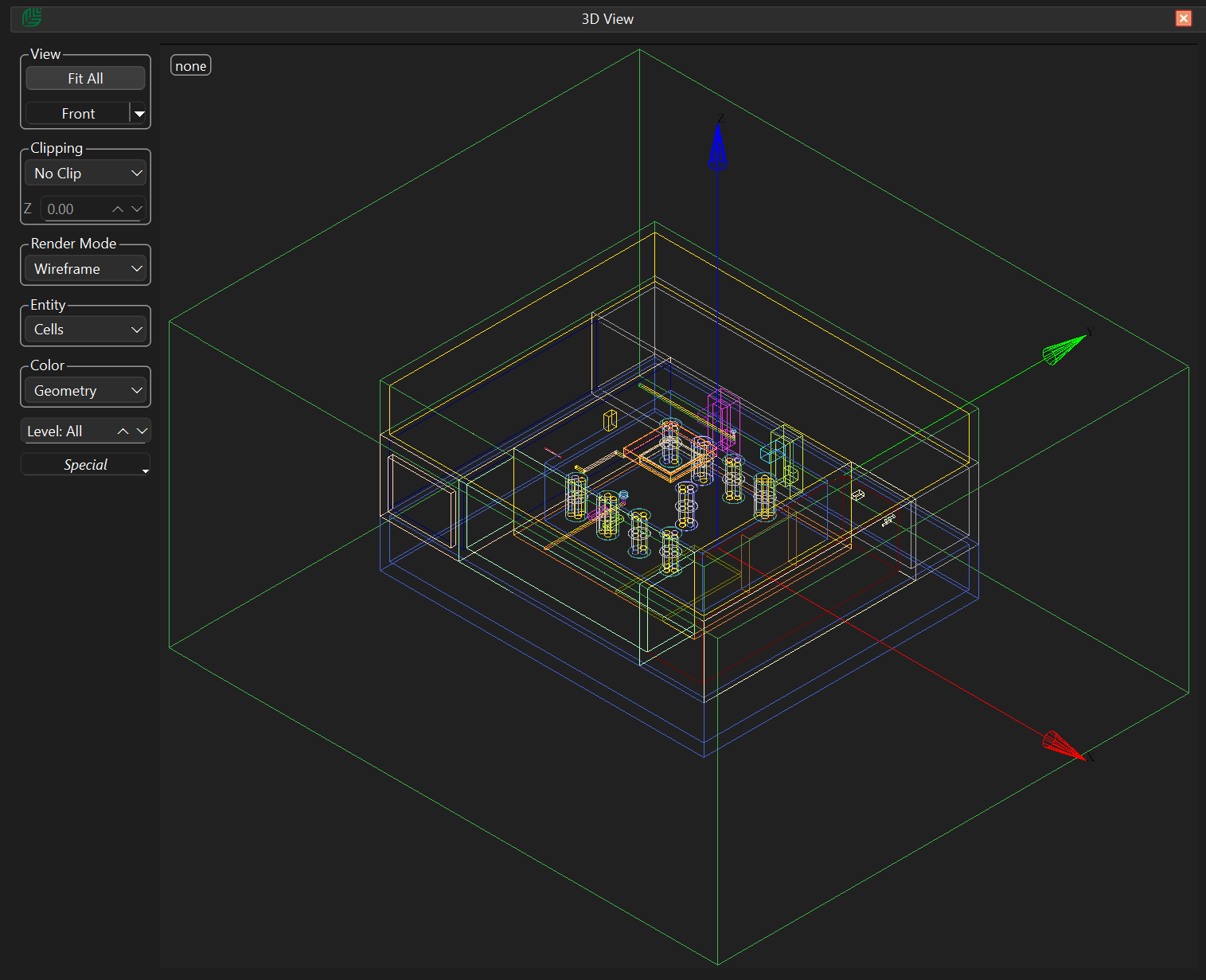
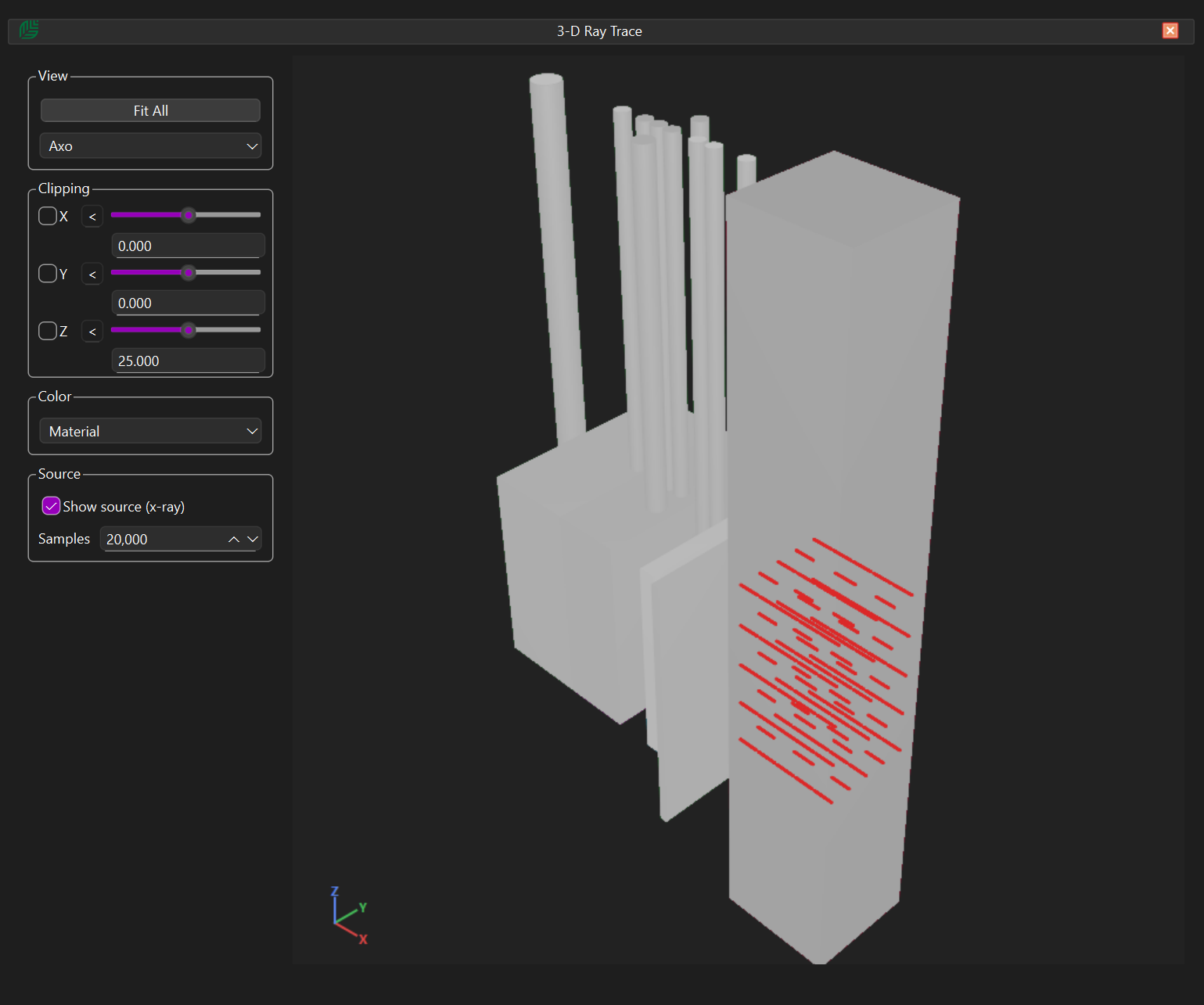
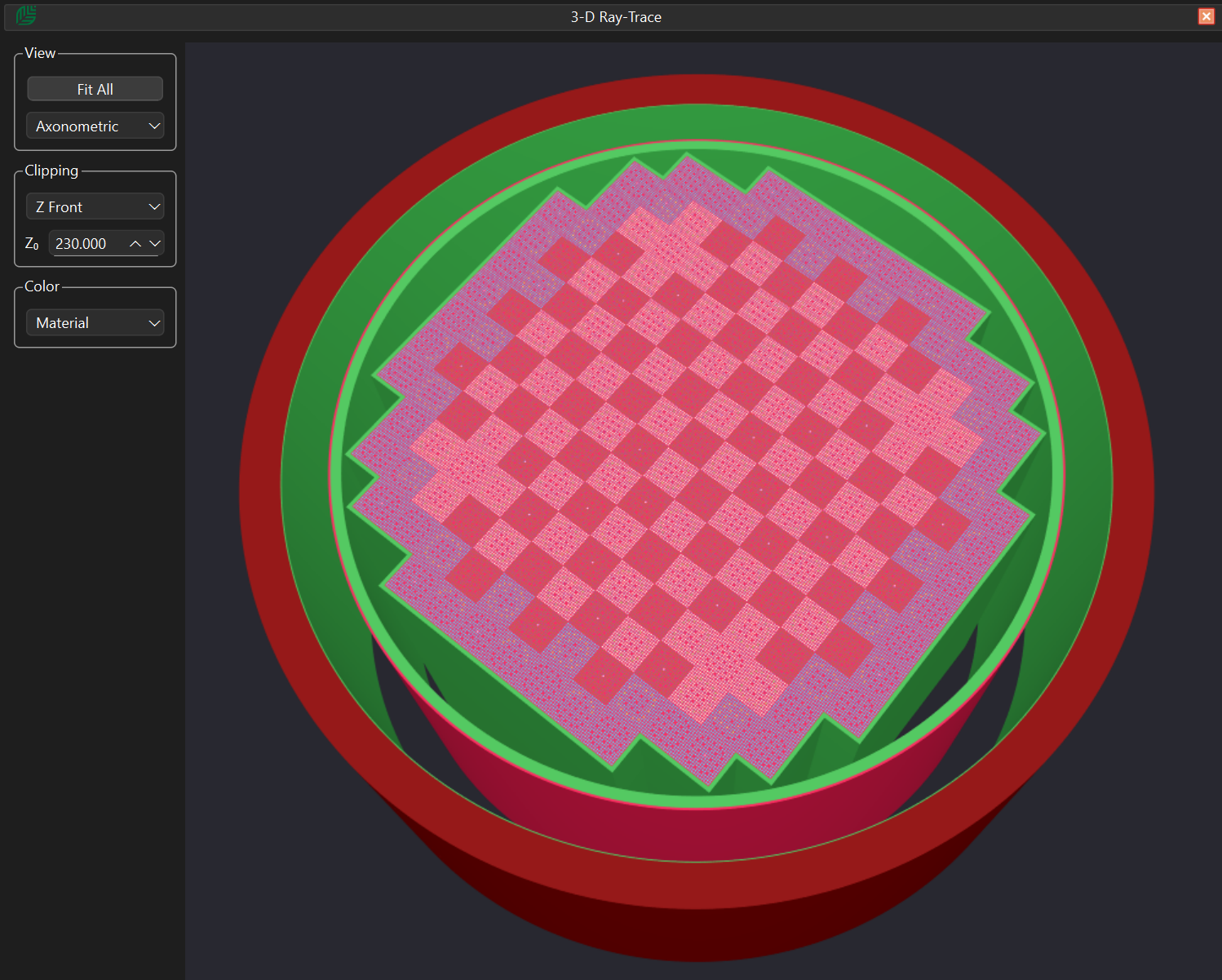
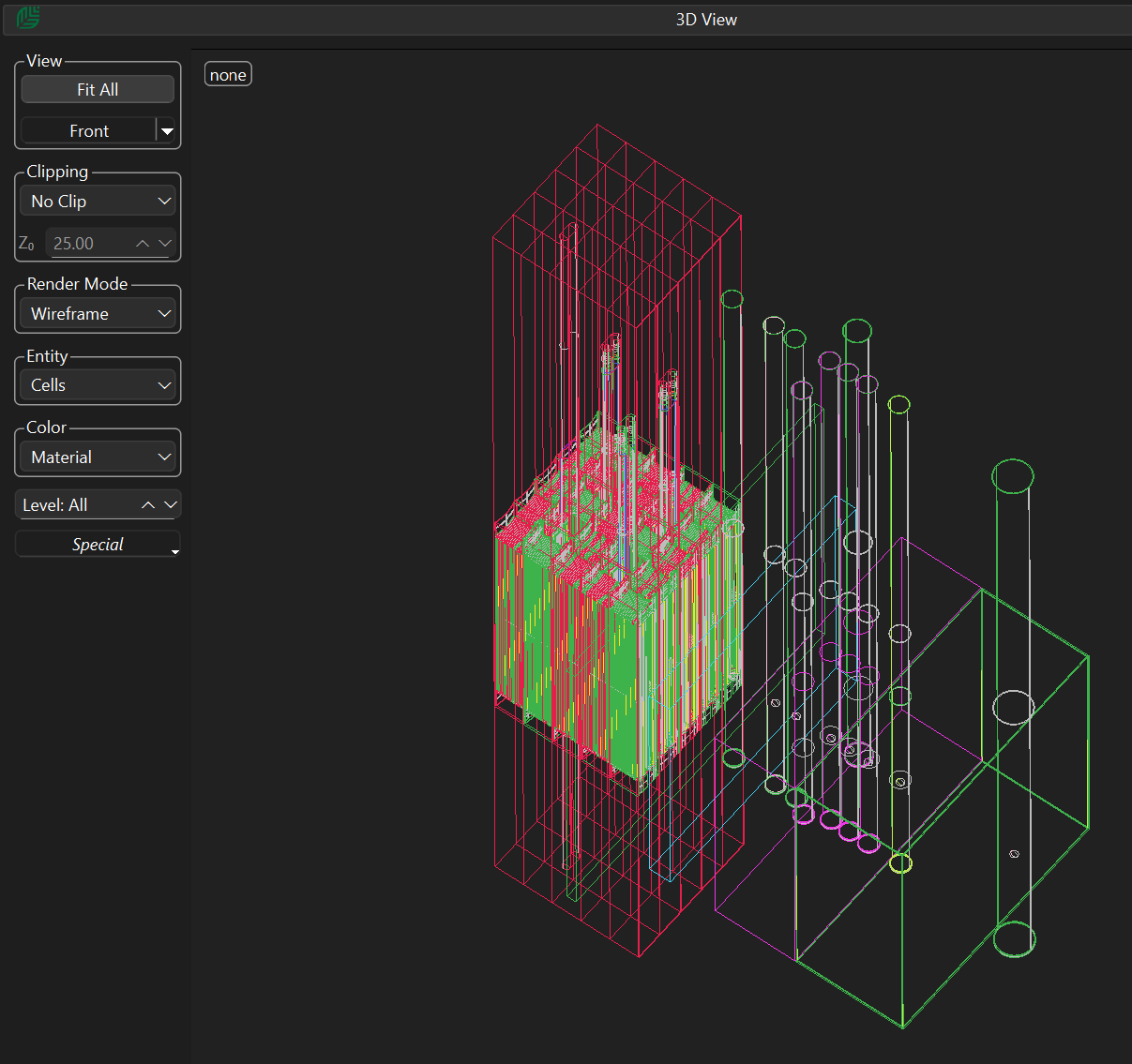
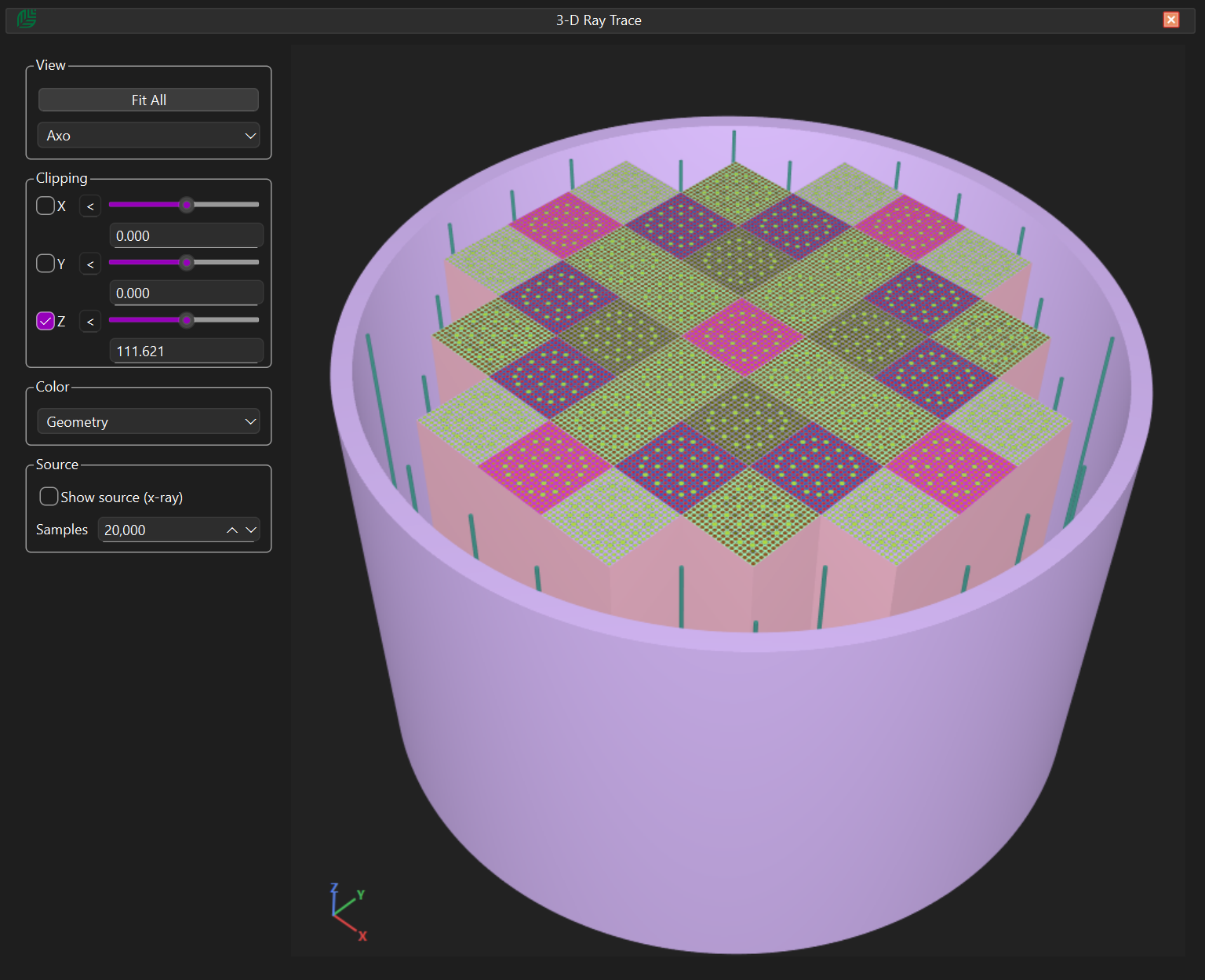
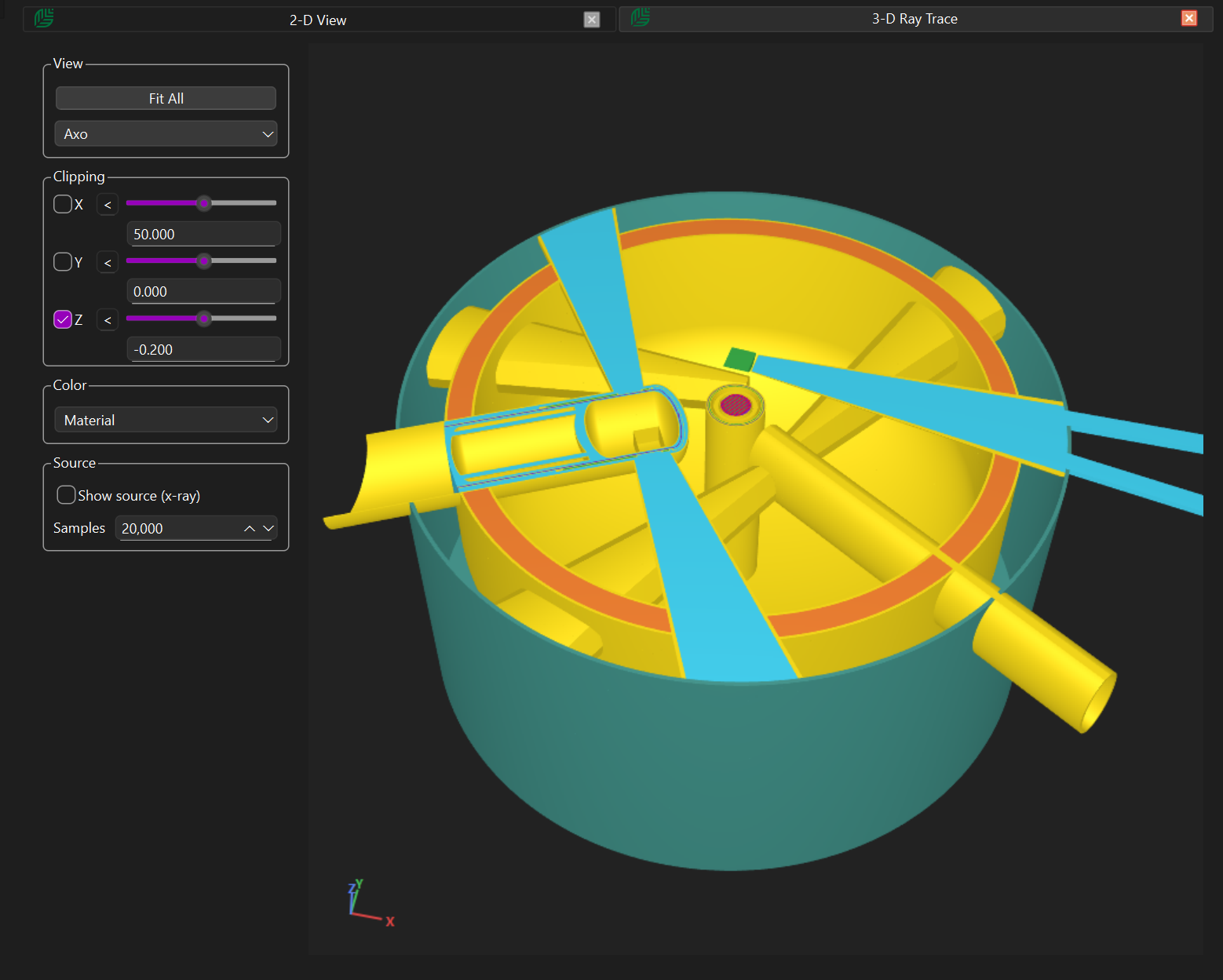
Attila4MC-Tamarack provides two advanced 3-D visualisation modes to support model verification and analysis.


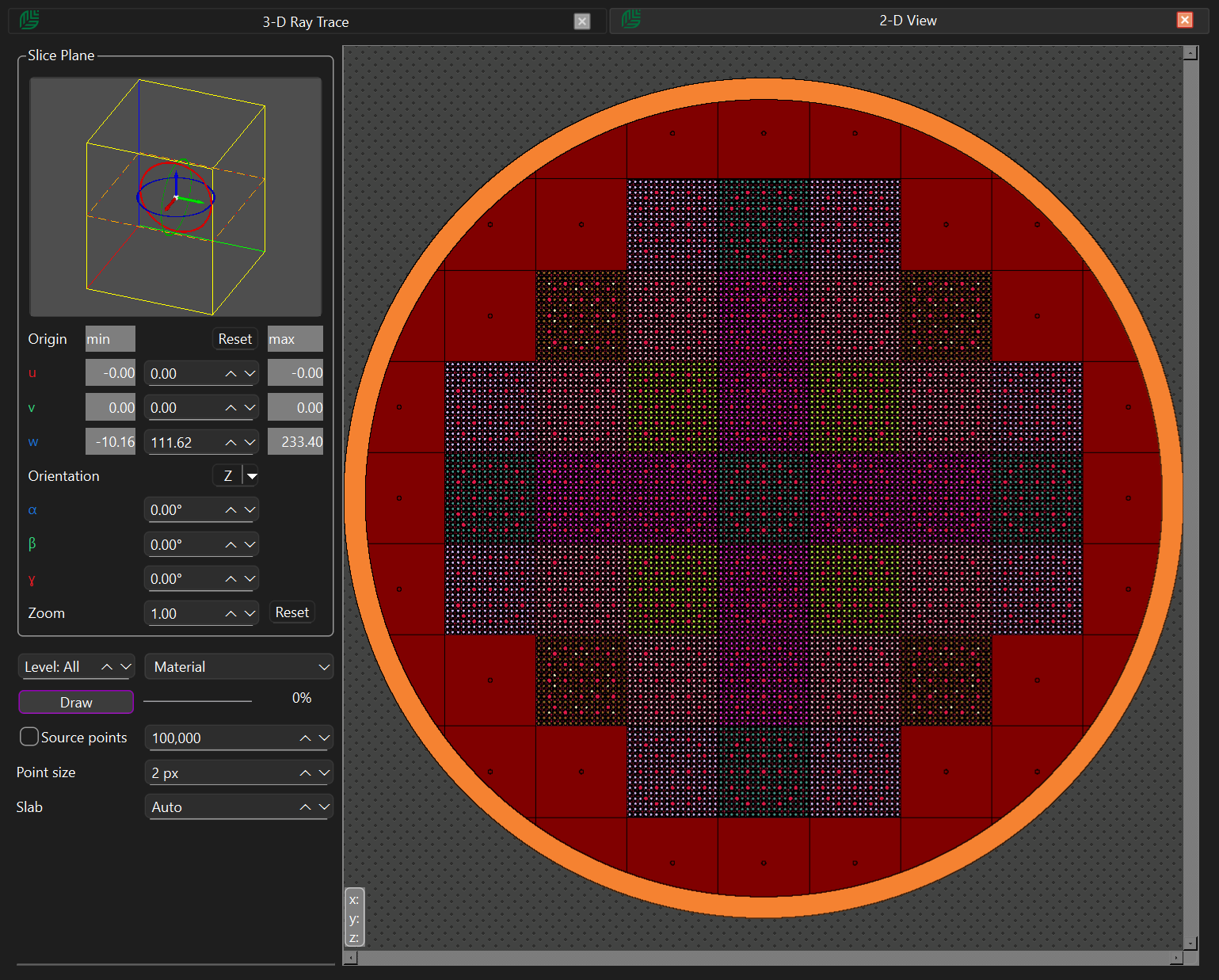
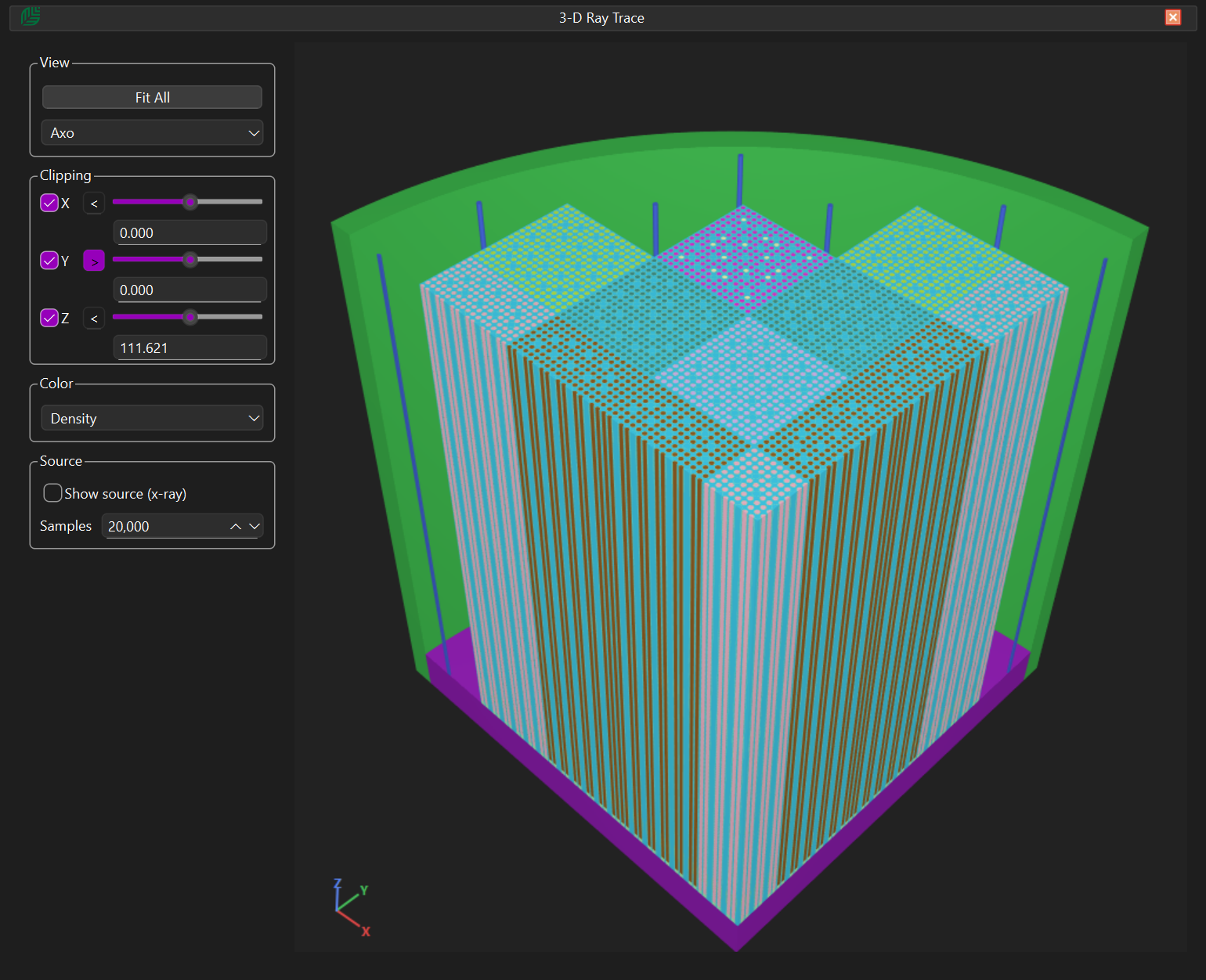
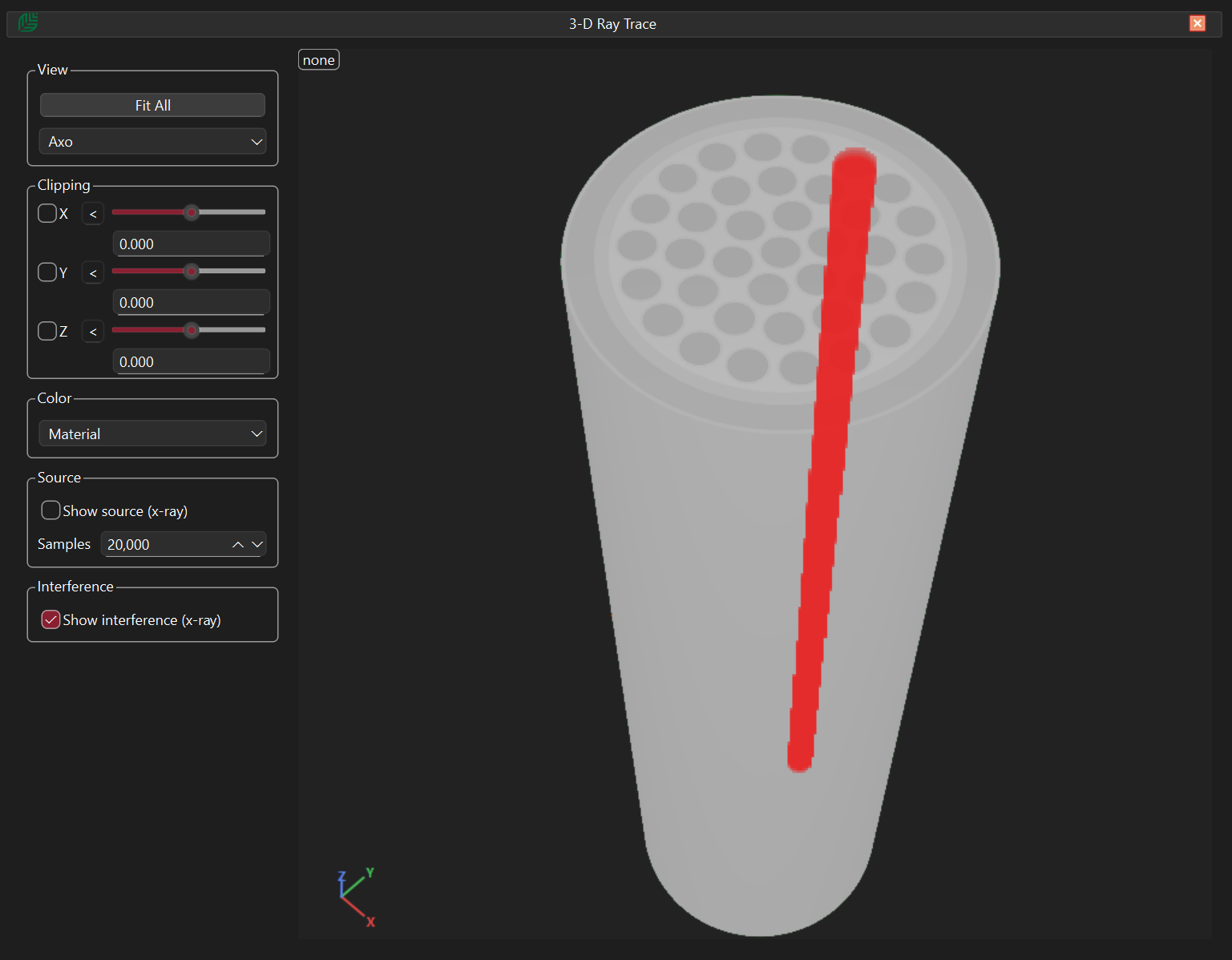
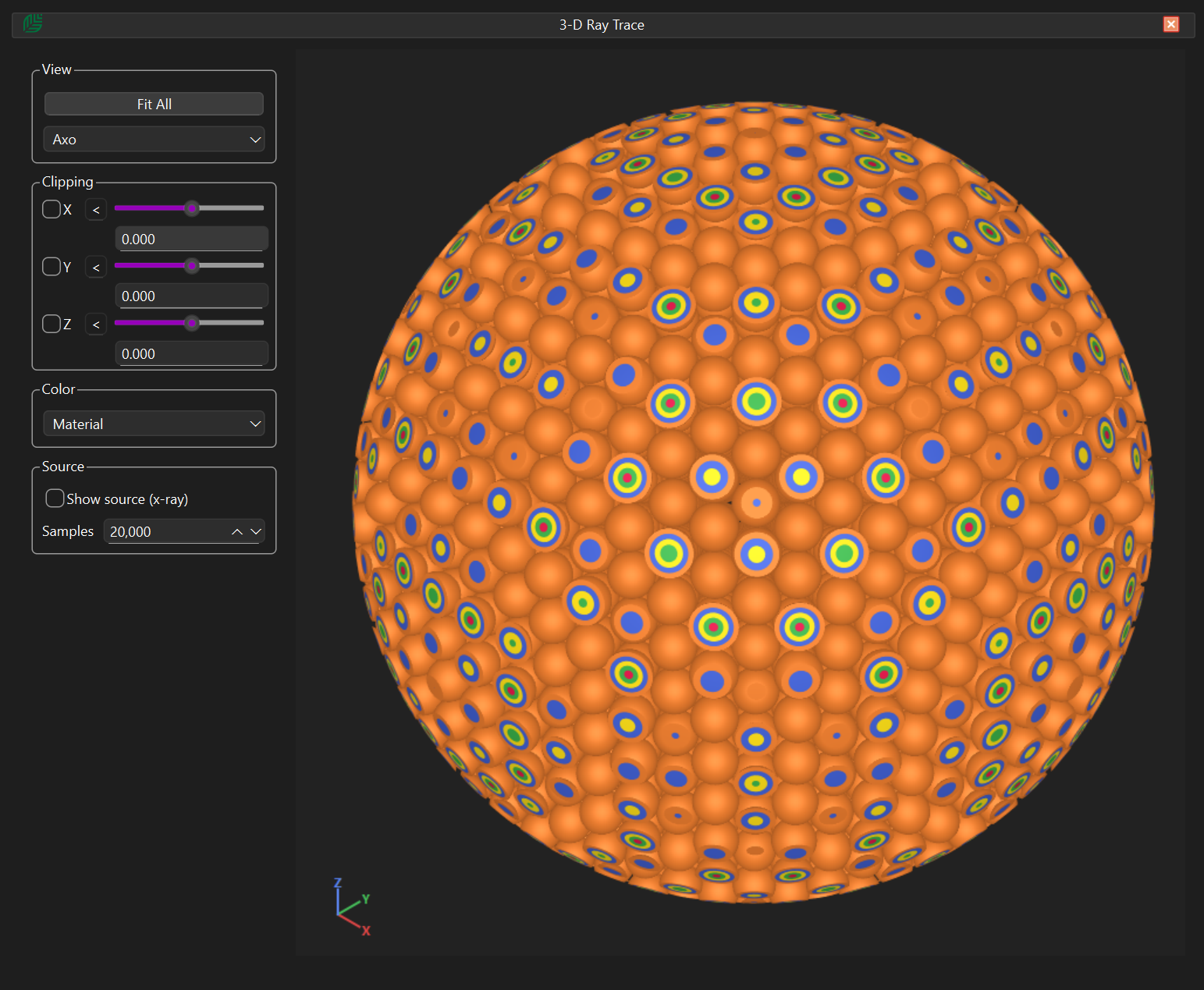
The first is a high-performance ray-tracing renderer, capable of displaying even highly complex lattice geometries in a fraction of a second, making it ideal for rapid geometry verification.


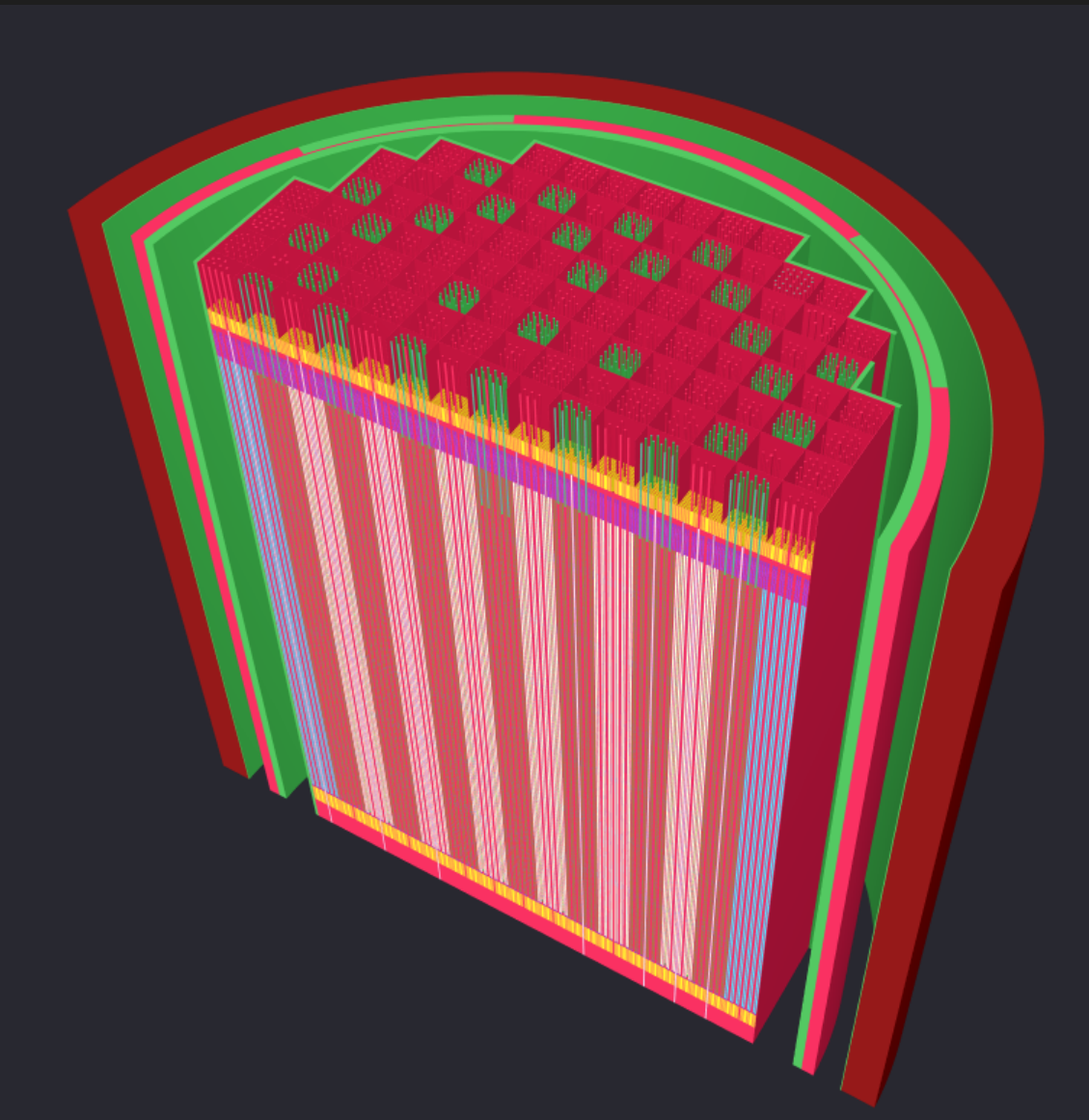
The second is a Boundary Representation (B-Rep) renderer, which generates a watertight representation of the Constructive Solid Geometry (CSG) model. This mode enables high-quality visualisation and supports conversion of CSG models into CAD-compatible STEP files.


The B-Rep visualisation also provides interactive feedback by displaying detailed cell metadata at the cursor position, enabling users to quickly identify, inspect, and validate individual regions within the 3-D model during geometry review.
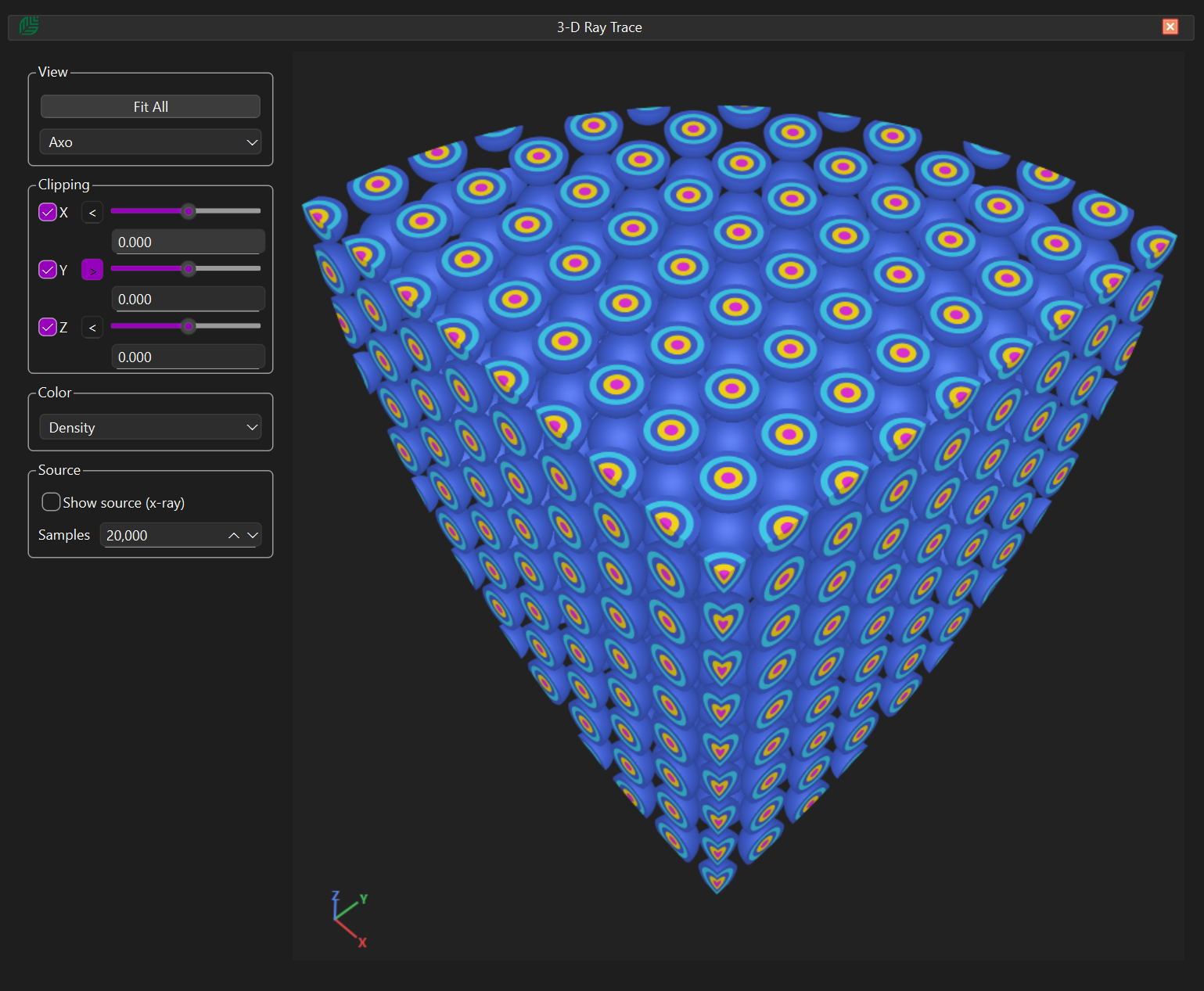
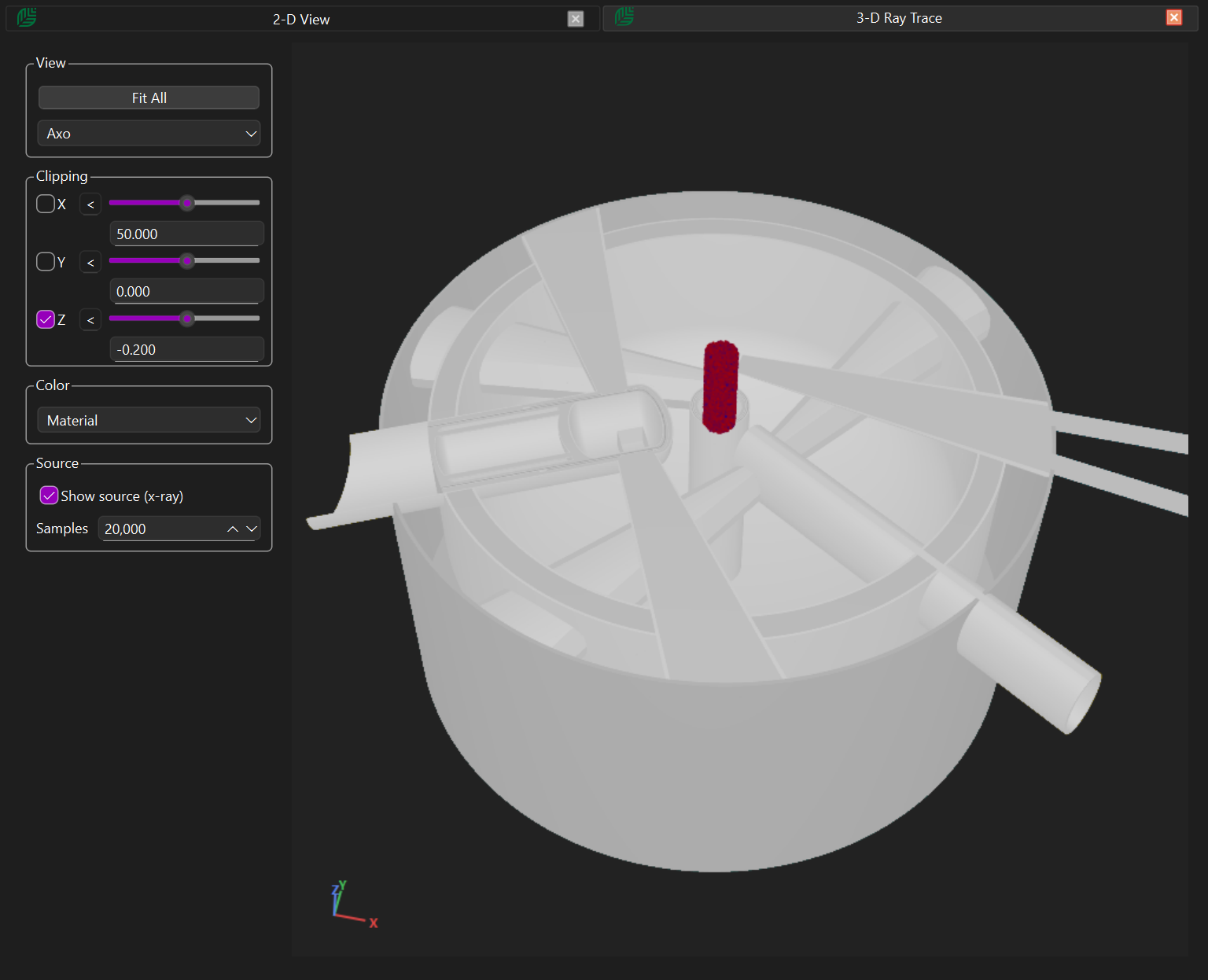
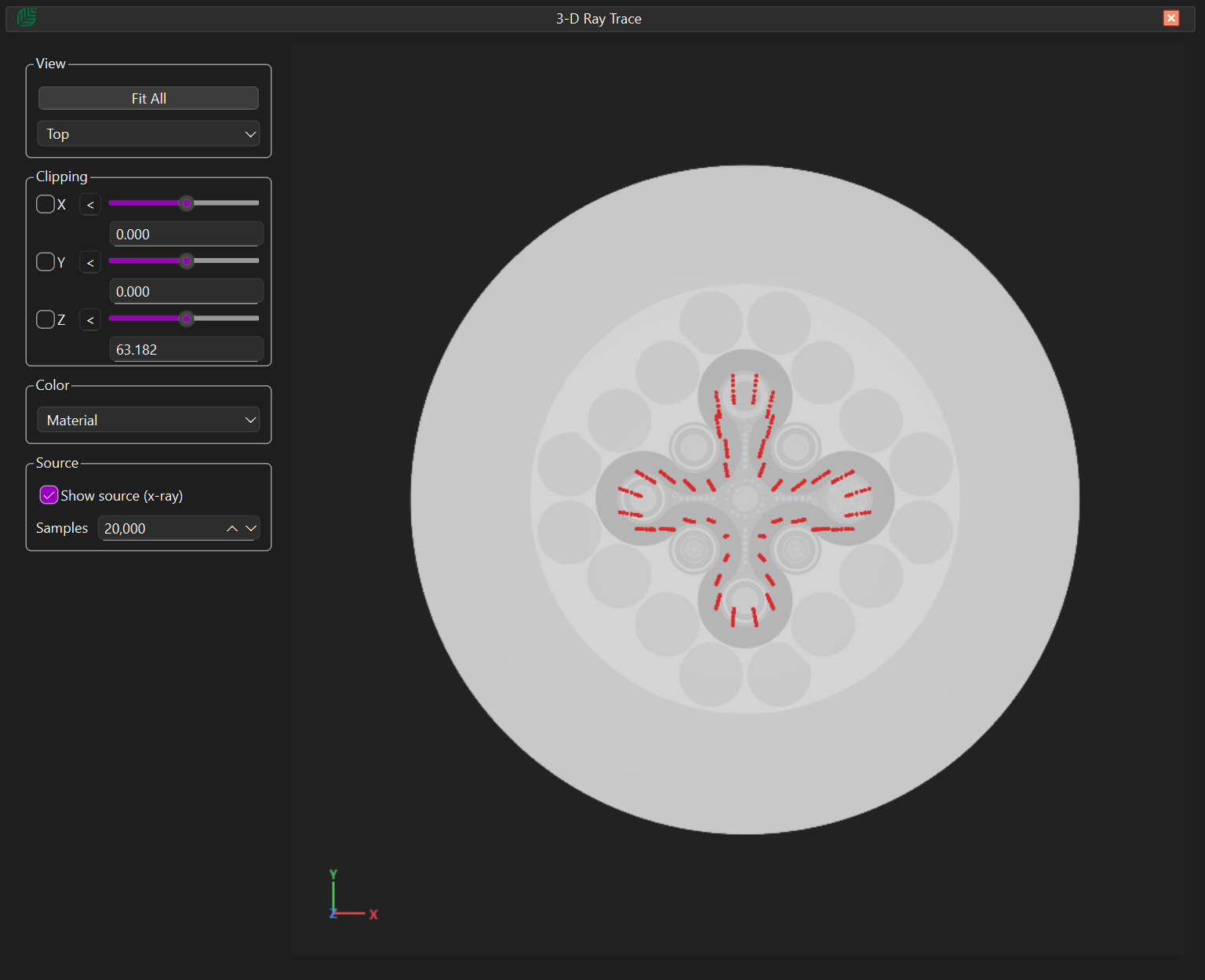
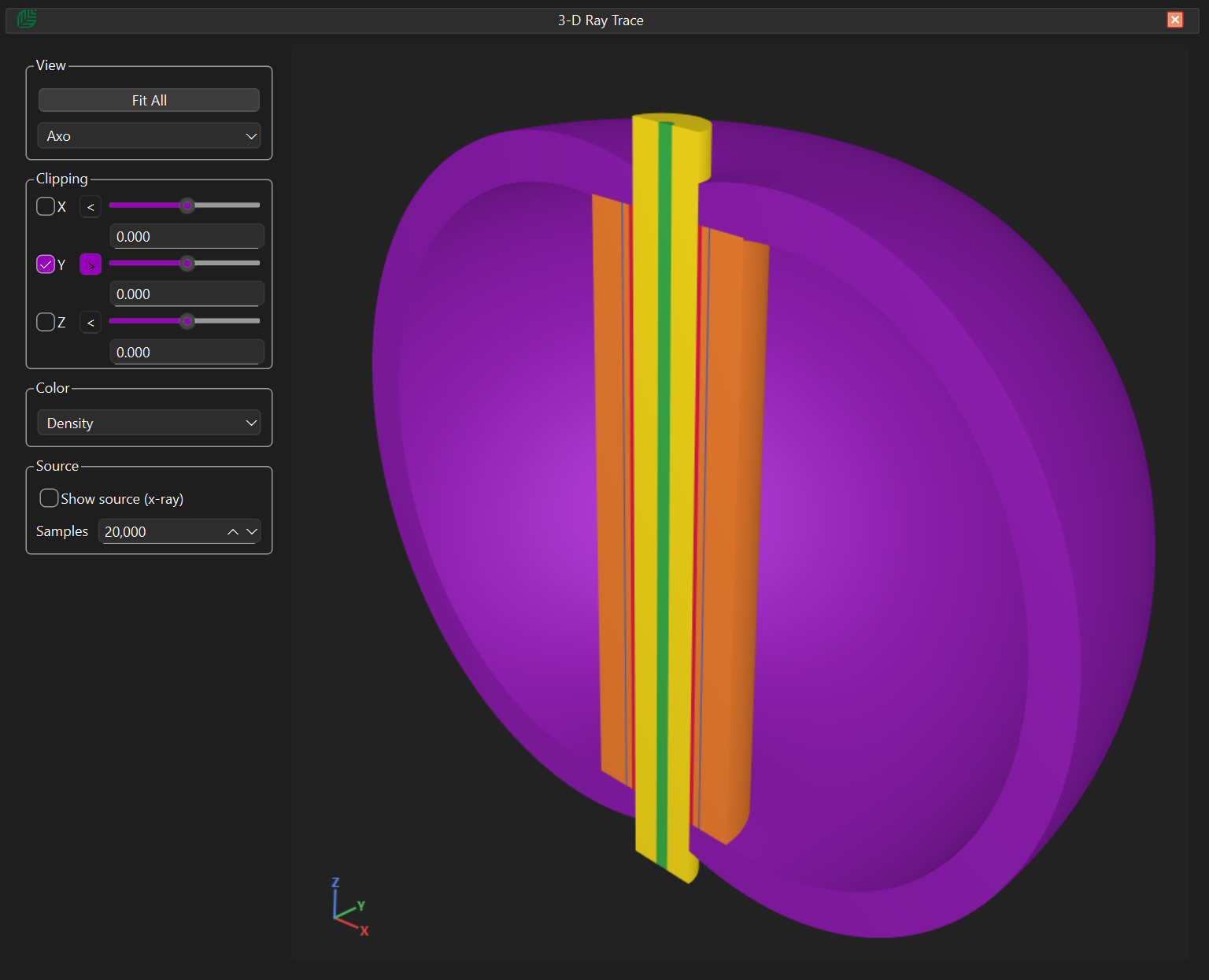
Both rendering modes allow users to:

  • Colour models by cell, material, density, and other attributes
  • Apply multiple axis clipping planes
  • Hide selected cells or materials for detailed inspection

Exporting to CAD (step format)

The viewer will appear blank until the user selects “Draw”. Users can view models coloured by material, cell, density, temperature or important.

Structured Deck Editing

Start the workflow by authoring MCNP decks in a more organized environment with clearer structure and better editing flow.

Immediate Geometry Feedback

Validate cells and surfaces visually as you work, reducing trial-and-error and catching geometry issues early.

CAD to MCNP Workflow

Convert engineering geometry into simulation-ready MCNP representations without rebuilding models by hand.

Get in touch

Tell us what you're building and we'll help you get started quickly.

✔ Fast response within 1–2 business days
✔ Evaluation licenses available
✔ Enterprise support options
Contact Tamarack
Choose an option and share your details below.